Zoom Recording to Clips Using AI
Stop letting your Zoom recordings sit in a folder. Upload your call recording and get short clips with captions in minutes. Works with Zoom, Teams, and Google Meet.
How it works
AI clipping tool that finds the best moments, reframes, adds captions and turn them into ready-to-share viral clips in few minutes.
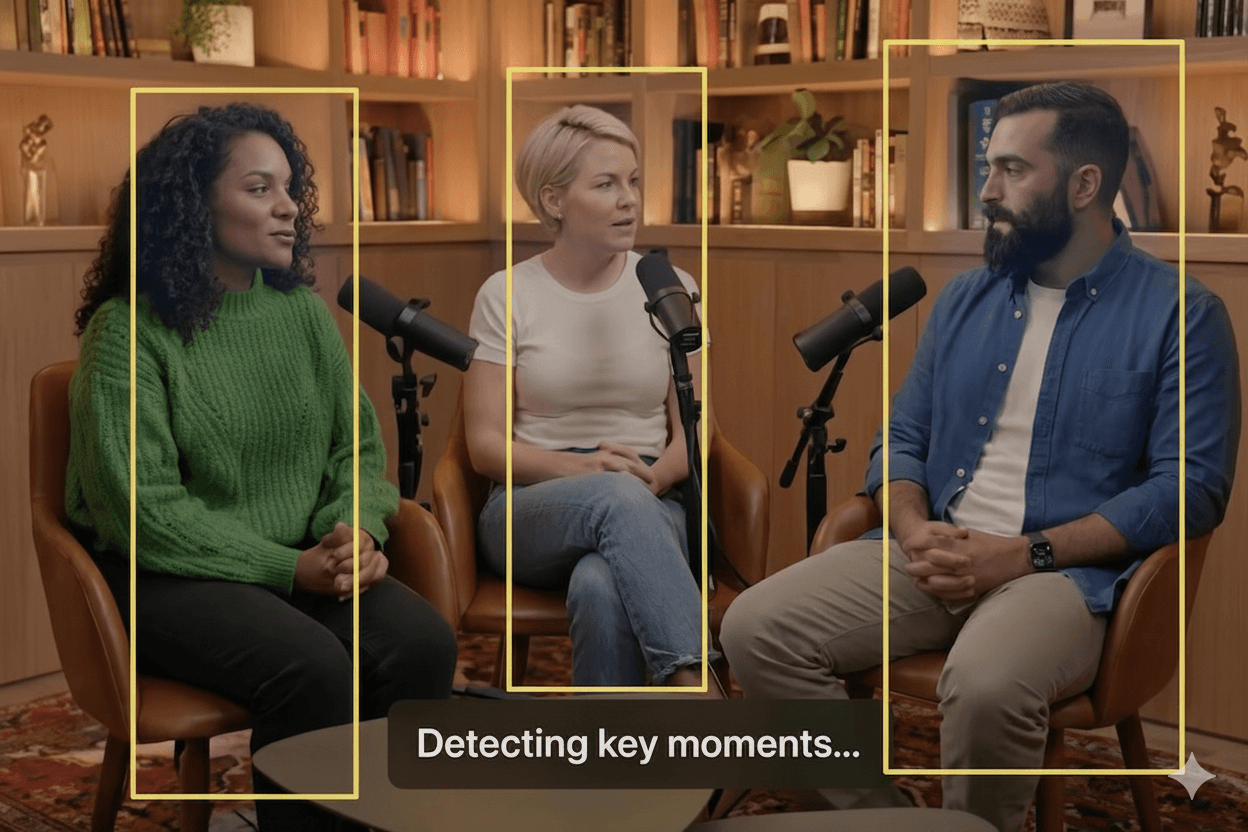
Upload and analyze highlight
Upload your long-form video or paste a link. Our AI instantly analyzes content to find viral moments using AI highlight detection
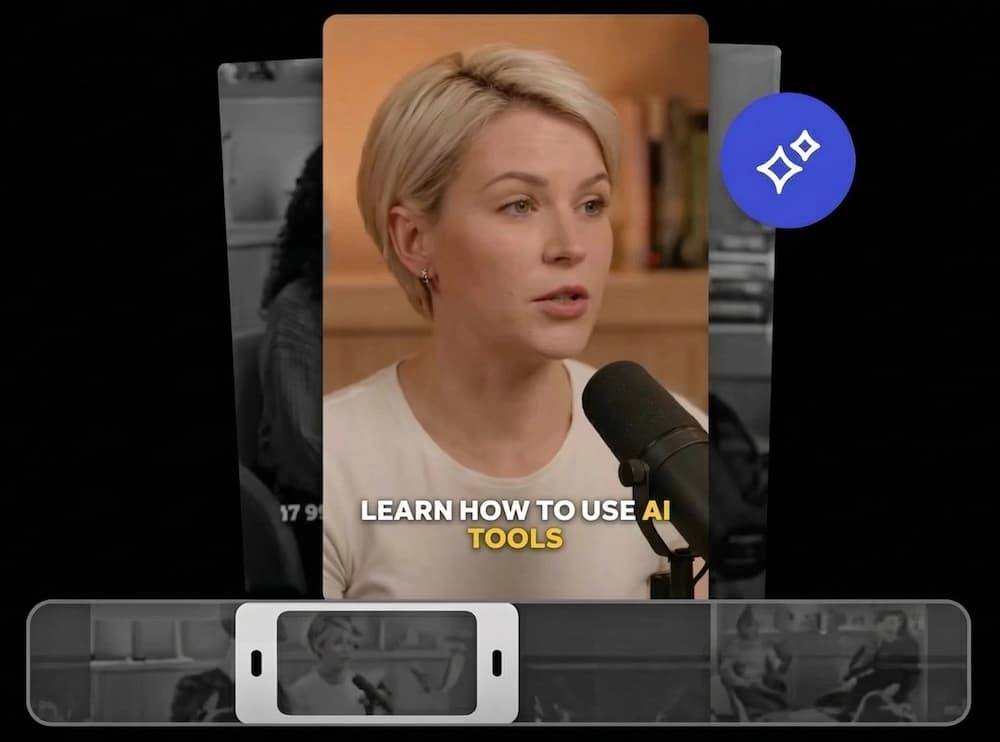
Get clips with auto caption
Receive perfectly trimmed clips with accurate, animated auto-generated captions & subtitles automatically.
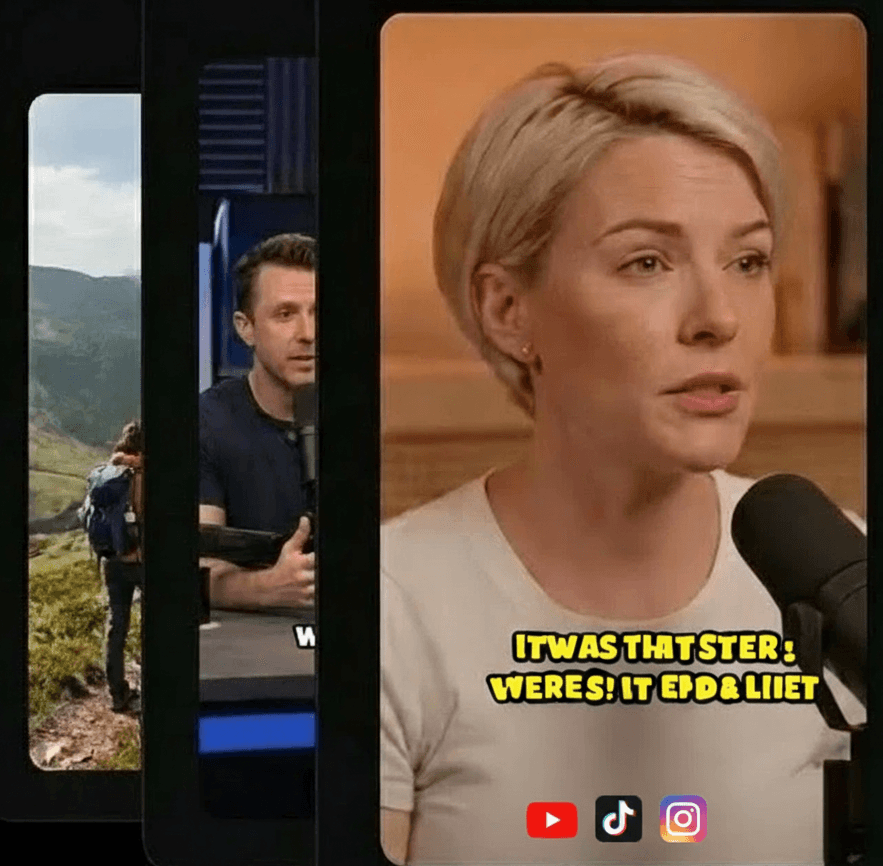
Export polished clips
Customize visuals and branding, then download high-quality MP4s formatted for TikTok, Reels, and Shorts.
Get More Value from Every Call
One meeting has many useful moments. Short clips help you share them with people who were not on the call.
Share Key Moments
Pull out the best 60 seconds from a 1-hour call. Share it on Slack, LinkedIn, or email. People watch short clips. They skip long recordings.
Build Your Content Library
Every coaching session, sales call, and training has clips worth saving. Over time, you build a library of useful content from calls you already had.
From Recording to Clips in Minutes
Three steps. No editing skills needed.
1. Upload Your Recording
Upload the MP4 or MOV file from Zoom, Teams, or Google Meet.
2. AI Finds Key Moments
Our AI listens to the conversation and picks the best parts automatically.
3. Download Your Clips
Get short clips with captions, cropped to vertical or landscape format.
Who Uses This?
pages.zoomRecordingToClips.useCases.marketing.title
pages.zoomRecordingToClips.useCases.marketing.description
pages.zoomRecordingToClips.useCases.education.title
pages.zoomRecordingToClips.useCases.education.description
Sales Teams
Clip the best parts of sales calls for training. New reps learn faster from real examples.
Ready to try it? Start making clips for free.
Try it freeEverything you need to go viral.
Crabcut provides a comprehensive suite of AI-powered tools to transform your content strategy. Try the quality of our AI-powered tools for free.
Auto Clip & Reframe
Extract the best moments automatically—our AI spots viral hooks for retention—then crop to 9:16 with face tracking, ready for TikTok, YouTube Shorts, and Instagram Reels.
AI Captions Generator
Styled, accurate, and customizable. Generate auto-captions in 99+ languages to skyrocket your video reach.
Custom Branding
Add logos, background music, and styles. Build a cohesive brand identity with custom watermarks and saved templates.
Frequently Asked Questions
Turn Your Recordings into Clips
Upload your Zoom, Teams, or Meet recording. Get clips in minutes.
Try It Free