長影片進,短片出
Interview Video Clipper 由 AI 驅動
Great conversations shouldn't be hidden in 長影片. 自動 find and frame the most profound quotes, reactions, and insights.
長影片
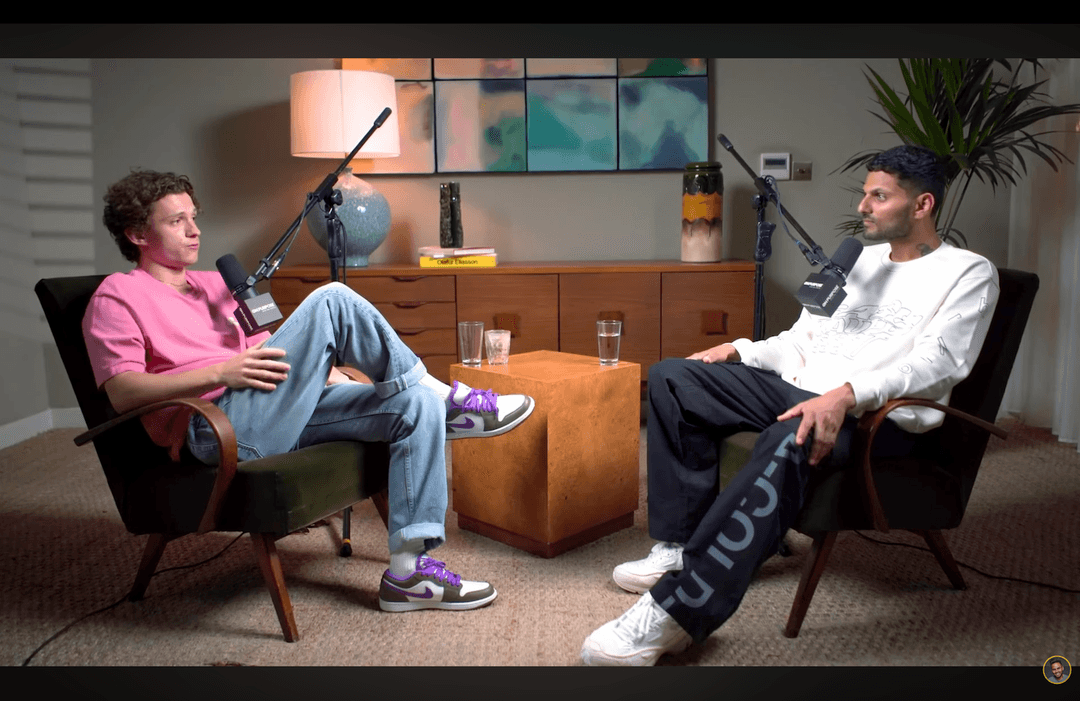
由 CrabCut 智慧剪輯

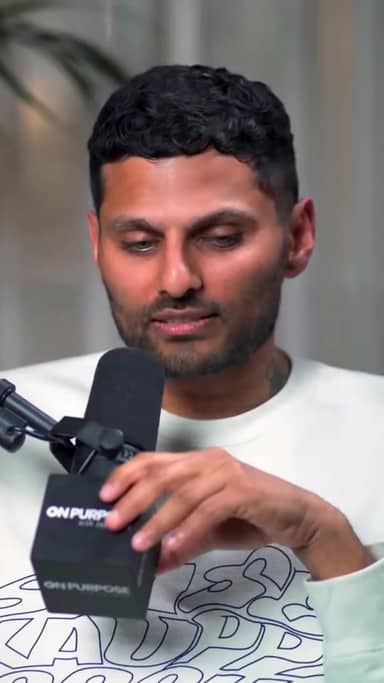
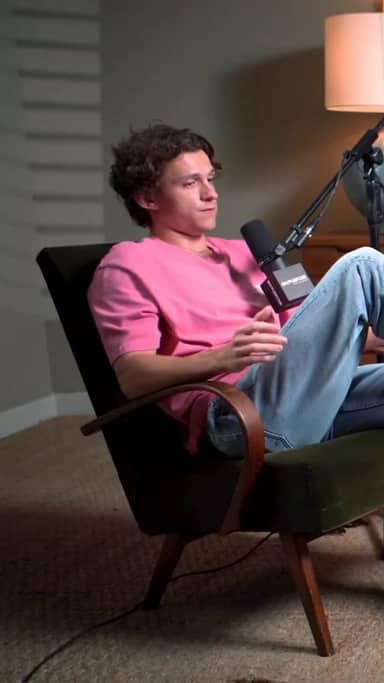

運作方式
From 長影片 to sharper, ready-to-post Shorts in five steps.
Workflow
01
Transcribe
We transcribe your 影片 with high accuracy in 16+ languages.
Stop Scrolling Through Hours of Footage
Manual editing of long interviews is a time sink. Keeping track of who is speaking and finding that one perfect quote takes hours.
Multiple Speakers
Switching camera angles or layouts for different speakers manually is tedious. Our AI handles the cutting for you.
Context Retention
It's hard to know where a good clip starts and ends. AI analyzes the conversation flow to ensure clips make sense.
AI That Understands Context
We don't just chop 影片; we understand the conversation.
1. 上傳 Interview
Support for multi-camera or single-file recordings.
2. AI Analyzes Speech
Detects key topics, laughter, and high-engagement segments.
3. Auto-Clipped Results
Receive a list of viral-ready clips with 字幕 burned in.
Clip What Matters
金句
Capture the most punchy, philosophical, or controversial lines.
Reactions
Highlight genuine laughter, surprise, or deep thought.
Stories
Complete anecdotes that hook viewers from start to finish.
準備試試看了嗎?免費開始製作剪輯。
免費開始Three things. Done well.
A focused tool that clips, 字幕, and reframes. Built for solo 創作者.
Reframing that actually tracks faces
Multi-speaker podcast? We follow whoever's talking. Single host moving around? We stay locked on. No clipped foreheads, no jaw-cut edges.
字幕 in 16+ languages
Animated, accurate, customizable. Pick fonts, colors, position, and animation style. Keyword 精彩片段ing and emoji auto-placement included.
Your brand, every clip
Add your logo, fonts, and colors. Save style presets per channel. Every clip exports looking like yours.
常見問題
How does it handle multiple speakers?
Can I use this for Zoom interviews?
Does it work for solo interviews/monologues?
What is the max file size?
Related resources
Keep exploring CrabCut workflows
Webinar Video Clipper: Repurpose Webinars into Short...
AI webinar 影片 clipper that turns long webinars into short, engaging clips. Ideal for marketing teams and 教育者.
Open pageZoom Recording to Clips | AI Clip Maker
Turn Zoom, Teams, and Meet recordings into short clips with AI. Great for coaches, remote teams, and sales calls. 60 免費 min/月.
Open pageCrabCut: The focused AI clipper for solo 創作者
Long 影片 in. Shorts out. Auto 精彩片段, 16+ language 字幕, and face-tracked reframing. From €12.99/月. 60 免費 分鐘 every 月, no card required.
Open pageCrabCut Pricing: Plans & Credits
Compare Free, Starter, and Pro plans. Credits for AI clipping, 字幕, and exports. 開始 免費, no card required.
Open pageAI Video Clipper: 自動 Turn Long Videos into...
AI Video Clipper that finds 精彩片段 and creates short clips automatically. 把長影片變成 TikTok, Reels, and Shorts in 分鐘.
Open page成長 Your YouTube Channel with Shorts | CrabCut
讓你的 YouTube 頻道成長 by turning 長影片 into Shorts. AI 精彩片段, 字幕, and face-tracked reframing. Post daily. 60 免費 分鐘/月.
Open page