長影片進,短片出
Horizontal to Vertical Video AI
Landscape 影片 don't belong on mobile. Transform any horizontal footage into high-performing vertical shorts for TikTok, Reels, and Shorts.
長影片
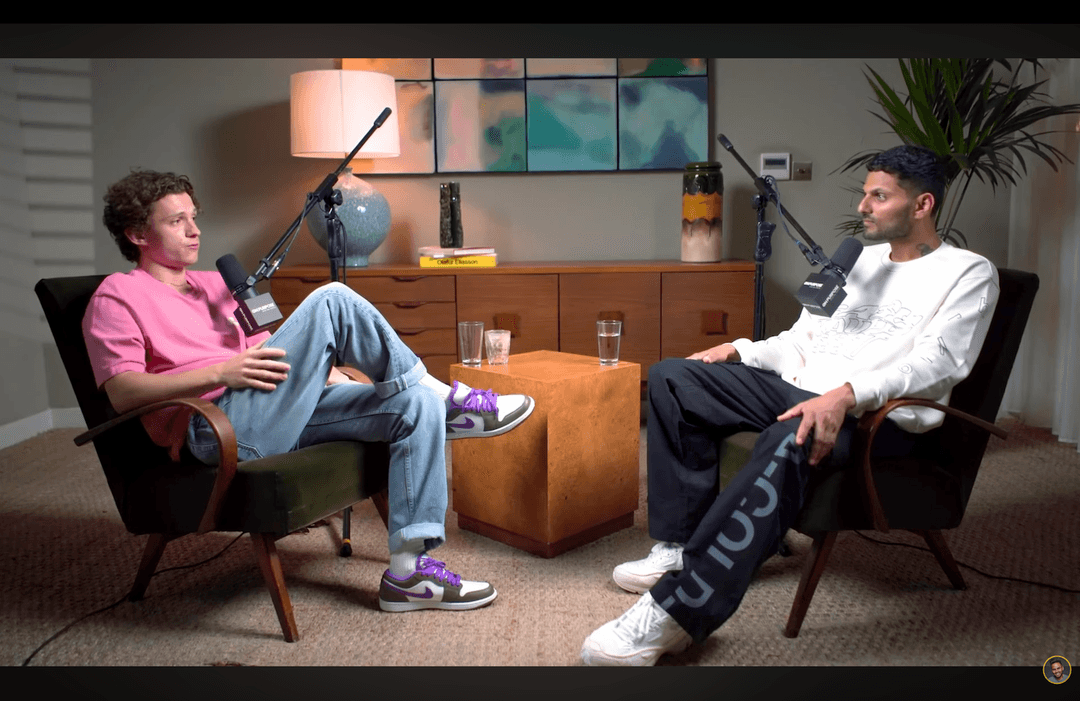
Shorts by CrabCut

運作方式
From 長影片 to sharper, ready-to-post Shorts in five steps.
Workflow
01
Transcribe
We transcribe your 影片 with high accuracy in 16+ languages.
The Mobile-First Shift
Viewing habits have changed. Modern audiences consume 90% of their social media content vertically. Don't let your landscape footage go to waste.
Native Experience
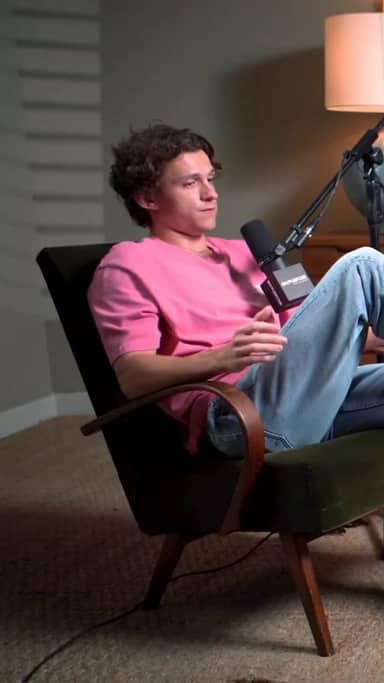
Vertical 影片 fills the entire screen, increasing immersion and reducing distractions. It feels "native" to the platform.
No More Black Bars
Tiny landscape 影片 in a vertical player look unprofessional. Our AI crops and focuses to ensure professional output every time.
Smart Reframe Technology
One-click conversion for any landscape footage.
1. 上傳 Landscape
上傳 any 16:9 or horizontal 影片 file.
2. Smart Tracking
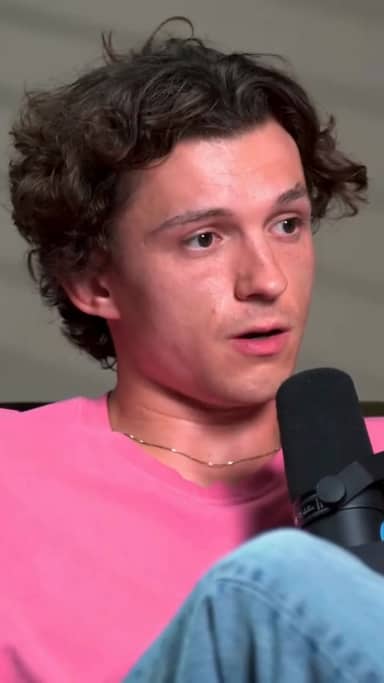
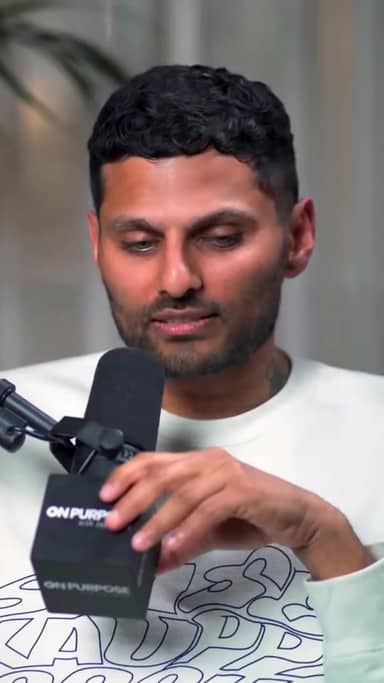
AI identifies the speaker and tracks them in the crop.
3. Vertical Export
下載 multiple 9:16 shorts ready for posting.
Convert Any Source
YouTube Videos
Turn your main channel content into Shorts instantly.
Webinars
Extract key takeaways from long presentations.
Interviews
Keep both speakers in frame with smart switching.
準備好試試看了嗎?免費開始製作 shorts。
免費試用Three things. Done well.
A focused tool that finds moments, 字幕, and reframes. Built for solo 創作者.
Reframing that actually tracks faces
Multi-speaker podcast? We follow whoever's talking. Single host moving around? We stay locked on. No cropped foreheads, no jaw-cut edges.
字幕 in 16+ languages
Animated, accurate, customizable. Pick fonts, colors, position, and animation style. Keyword 精彩片段ing and emoji auto-placement included.
Your brand, every short
Add your logo, fonts, and colors. Save style presets per channel. Every short exports looking like yours.
The Vertical Advantage
No Manual Edits
Stop frame-by-frame reframing in Premiere. AI does it in seconds.
Platform Proof
Perfectly aligned for TikTok, Reels, and Shorts safe-zones.
擴大 Output
Turn one webinar into 20+ pieces of vertical content.
常見問題
How does the AI keep the speaker in frame?
Does it support 4K 影片?
Can I choose between crop and blur-background?
What 影片 formats are supported?
Related resources
Keep exploring CrabCut workflows
AI Shorts 生成器 | 將長影片變成短影音
AI Shorts 生成器會找出最佳時刻,並製作適合 TikTok、Reels 和 YouTube Shorts 的 9:16 短影音。
Open page免費 AI Shorts 生成器 | 每月 60 分鐘免費額度
免費 AI Shorts 生成器,每月 60 分鐘。無需信用卡。將長影片變成有字幕的 shorts。
Open pageAI Highlights Generator: Find the Best Moments in Your...
AI 精彩片段 generator that automatically finds the most engaging moments in 長影片. 建立 ready-to-post shorts from your best content instantly.
Open pageAI Shorts for 教育者 & Coaches: Turn Lessons...
AI shorts for 教育者, coaches, and course 創作者. Turn long lessons and courses into short, engaging 影片 shorts that boost retention.
Open pageAI Shorts with 字幕: Generate Ready-to-Post Shorts with...
Generate short-form 影片 shorts with eye-catching AI 字幕. The combined power of AI shorts creation and dynamic 字幕 for social media growth.
Open page代理商 AI Shorts 生成器 | 大量製作 shorts
為需要快速製作大量短影音內容的代理商打造的 AI Shorts 生成器。用自動化影片再利用擴大產能。
Open pageUnlock Your Video's Potential
Turn your landscape library into a vertical content machine.
Go Vertical Now