Long video in · Shorts out
Twitch Shorts Maker Powered by AI
Download your VOD, upload it, and let AI do the rest. It finds the kills, the laughs, and the fails, then formats them for TikTok automatically.
Long Video
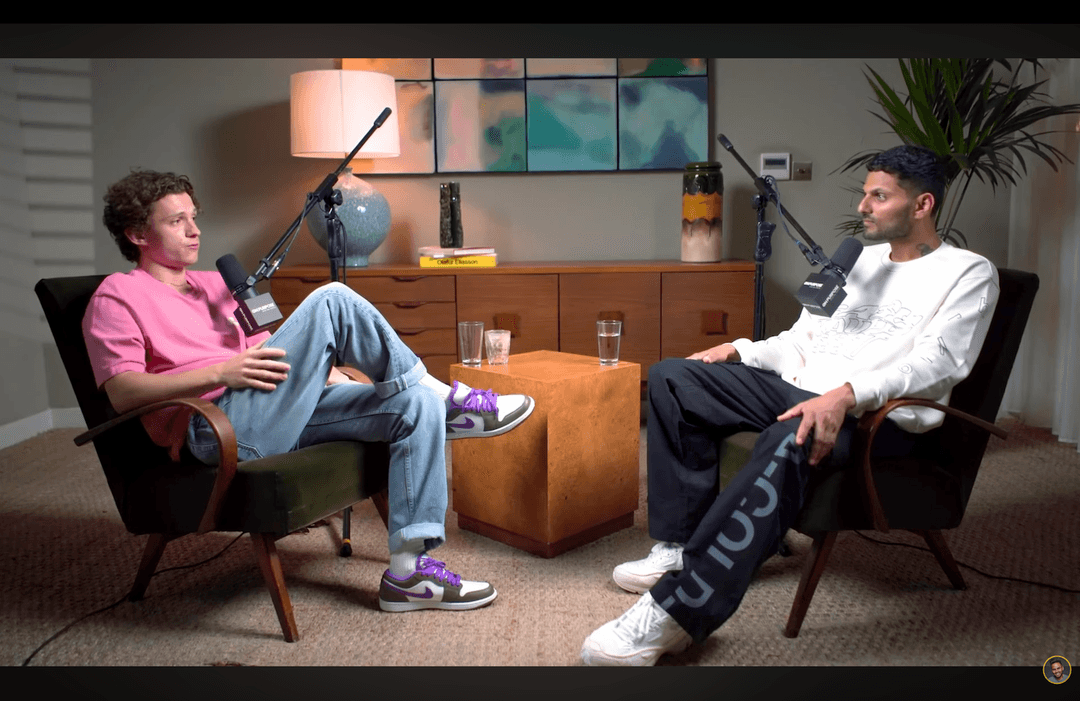
Shorts by CrabCut
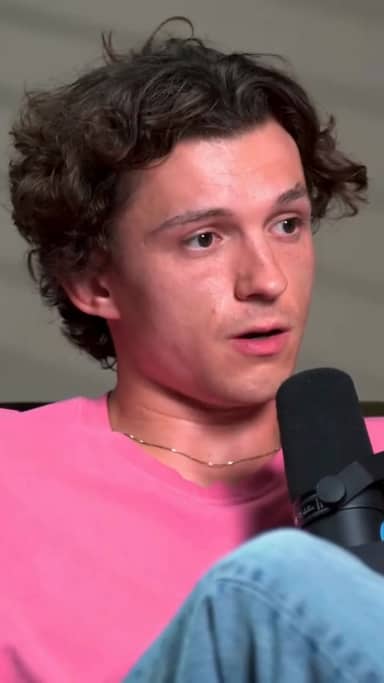
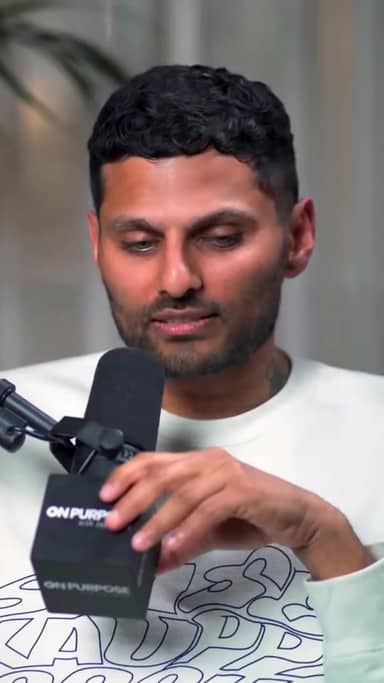
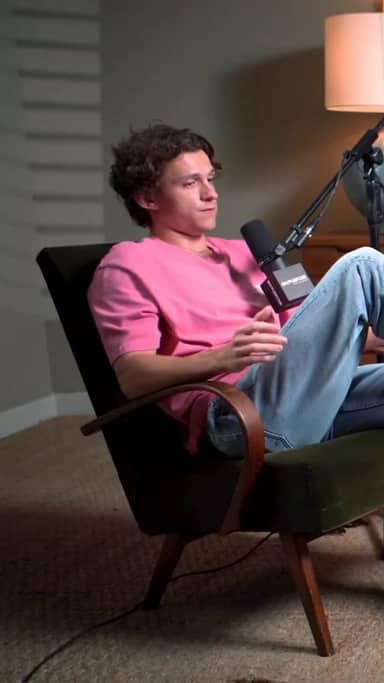
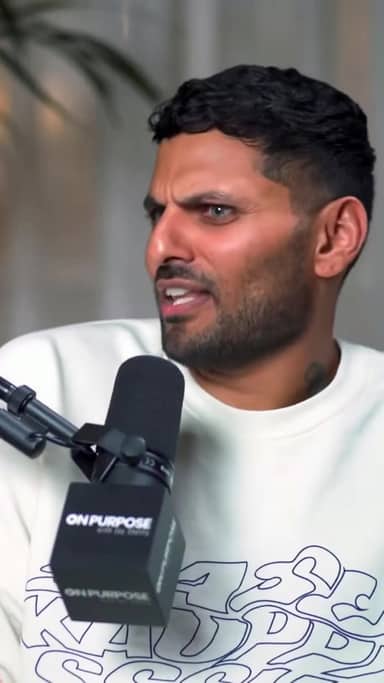
Quick answer
How do you make platform-ready shorts?
Twitch Shorts Maker for Streams and VODs
Start from one long video, then create vertical shorts with captions and hooks tailored for TikTok, Reels, and Shorts.
- 9:16 social format
- Captions and hooks
- Multiple shorts from one source
How it works
From long video to sharper, ready-to-post Shorts in five steps.
Workflow
01
Transcribe
We transcribe your video with high accuracy in 16+ languages.
Stop Letting Your Content Disappear
Twitch VODs disappear after 60 days. TikTok videos live forever. If you aren't shorts creation your stream, you aren't growing.
The Discovery Problem
Twitch has zero organic discovery. People only find you if you're already live and near the top. You need an external funnel.
The Viral Solution
One viral TikTok can bring 1,000 new followers to your next stream. Shorts are the best way to grow a Twitch channel in 2026.
Automate Your Content Machine
Stream all day. Let AI do the editing while you sleep.
1. Upload Your VOD
Download your VOD from Twitch, then upload the file to CrabCut.
2. Audio & Video Analysis
AI finds loud reactions, laughter, gameplay peaks, and exciting speech moments.
3. Auto-Formatting
Gameplay is stacked with your facecam. Captions are added.
We Catch Every Moment
Insane Reactions
Jumpscares, wins, or raging moments.
Gameplay Highlights
Multi-kills, speedrun records, and pro plays.
Funny Moments
Jokes, chat interactions, and banter.
One Stream. Everywhere.
Don't limit yourself to Twitch. Build your empire on every platform.
Ready to try it? Start making shorts for free.
Start freeThree things. Done well.
A focused tool that finds moments, captions, and reframes. Built for solo creators.
Reframing that actually tracks faces
Multi-speaker podcast? We follow whoever's talking. Single host moving around? We stay locked on. No cropped foreheads, no jaw-cut edges.
Captions in 16+ languages
Animated, accurate, customizable. Pick fonts, colors, position, and animation style. Keyword highlighting and emoji auto-placement included.
Your brand, every short
Add your logo, fonts, and colors. Save style presets per channel. Every short exports looking like yours.
Frequently Asked Questions
Is there a limit on how long my stream can be?
Does it work for gaming content only?
How does it find the best moments?
How do I use shorts on TikTok or Shorts?
Related resources
Keep exploring CrabCut workflows
TikTok Shorts Maker for Long Videos
Turn long videos into TikTok-ready shorts with AI highlights, hooks, vertical cropping, captions, and short-form exports.
Open pageTurn long videos into TikToks | CrabCut
Turn podcasts, webinars, interviews, and YouTube videos into ready-to-post 9:16 TikToks with AI highlights, captions, and smart reframing.
Open pageTurn long videos into Instagram Reels | CrabCut
Turn podcasts, webinars, interviews, and YouTube videos into ready-to-post 9:16 Instagram Reels with AI highlights, captions, and smart reframing.
Open pageInstagram Reels Shorts Maker for Long Videos
Turn long videos into Reels-ready vertical shorts with AI highlights, smart cropping, captions, and export-ready short-form edits.
Open pageCrabCut: AI Shorts Maker for TikTok, Reels & YouTube Shorts
Turn long videos into ready-to-post shorts with AI highlights, captions, face tracking, and auto reframing. Start free with 60 credits on sign-up, no card required.
Open pageCrabCut Pricing: Plans & Credits
Compare Light, Standard, and Heavy plans. Credits for AI shorts creation, captions, and exports. Start free, no card required.
Open pageGrow Your Stream with AI
Turn your latest VOD into 20+ ready-to-post shorts in minutes. Stop editing, start streaming.
Short My Stream