Long video in · Shorts out
How to Turn Long Videos into Shorts with AI
Your long videos are gathering dust. Turn them into a content engine. Automatically extract highlights, crop for mobile, and dominate social media.
Long Video
Shorts by CrabCut


Quick answer
How do you turn a YouTube video into Shorts?
Turn Long Videos into Shorts Using AI | CrabCut
Paste a YouTube link, let CrabCut analyze the transcript and video, then export 9:16 vertical shorts with captions for YouTube Shorts.
- Paste a YouTube URL
- AI finds highlight moments
- Export Shorts-ready videos
How it works
From long video to sharper, ready-to-post Shorts in five steps.
Workflow
01
Transcribe
We transcribe your video with high accuracy in 16+ languages.
Key Reasons to Turn Long Videos into Shorts
The digital landscape has shifted. If you aren't adapting your long-form content for the "scroll" generation, you're being left behind.
The Algorithm Hates Length
TikTok, Instagram, and YouTube Shorts favor high retention. A 30-minute video gets 0 views if people scroll away in 3 seconds. You need to hook them instantly.
The "Scroll" Mentality
Mobile users don't want to rotate their phones. If your video isn't vertical (9:16) and fast-paced, you are invisible to 80% of mobile traffic.
Our AI Short Video Generator Process
We bridge the gap between traditional long-form video and modern viral formats.
Detects Hooks
Our model finds the "Goldilocks" moments: not too long, not too short, just interesting enough to stop the scroll.
Crops & Formats
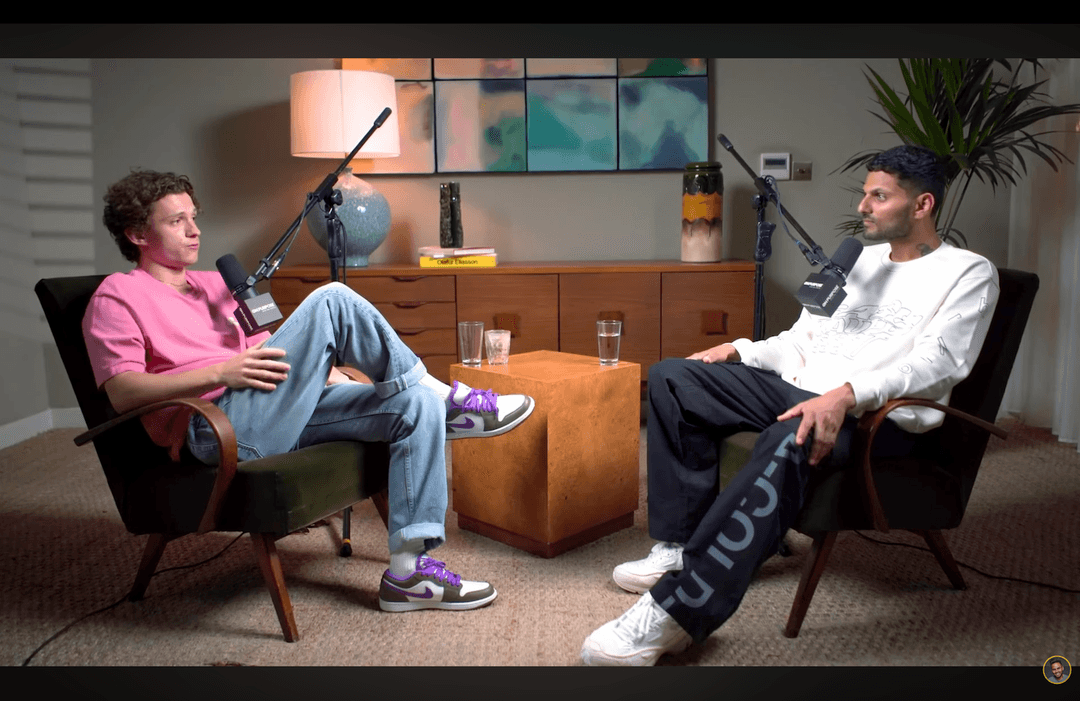
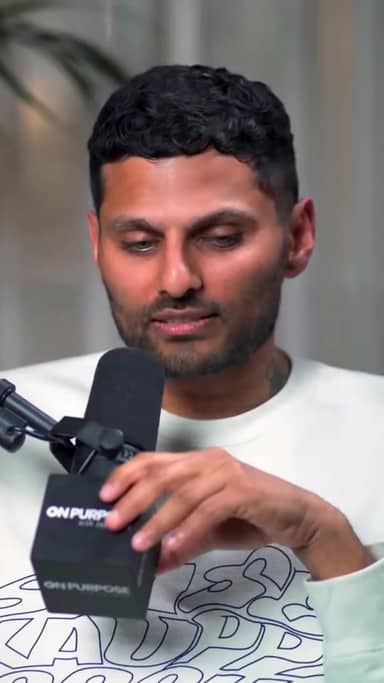
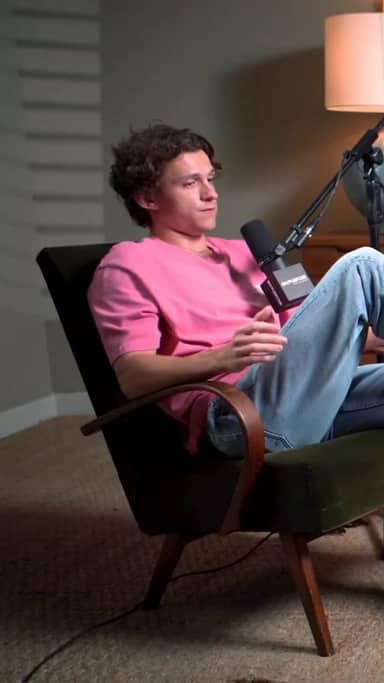
It intelligently crops landscape video to vertical, tracking the active speaker so they are always in focus.
Adds Viral Captions
Burned-in captions are essential for sound-off viewing. We add them automatically with trending styles.
Perfect For Every Creator
Podcasts → Shorts
Turn a 1-hour conversation into 10 highlight shorts. Promote the full episode by teasing the best stories on TikTok.
Interviews → Reels
Extract the most insightful answers from your guest. Position yourself as a thought leader on Instagram and LinkedIn.
Webinars → Content
Don't let your Zoom recording die in a folder. Repurpose Q&A sessions and value bombs into evergreen micro-content.
Save 10+ Hours/Week
Stop scrubbing through timelines. Let AI find the gold while you sleep.
Increase Reach
More formats = more platforms. Be everywhere at once without extra effort.
One video, many assets
Turn a single long recording into multiple shorts you can download whenever you're ready to post.
Frequently Asked Questions
What is the ideal video length for auto-shorts creation?
Can I edit the shorts after the AI generates them?
Will the vertical crop look good?
Do standalone shorts make sense out of context?
Related resources
Keep exploring CrabCut workflows
Grow Your YouTube Channel with Shorts | CrabCut
Grow your YouTube channel by turning long videos into Shorts. AI highlights, captions, and face-tracked reframing. Post daily with 60 free sign-up credits.
Open pageYouTube Shorts Maker for Shorts, Reels & TikTok
Short YouTube videos into short vertical shorts with AI. Find hooks, add captions, and repurpose long videos for Shorts, Reels, and TikTok.
Open pageYouTube Video to Shorts AI Converter | CrabCut
Paste a YouTube link and create Shorts with AI highlights, vertical reframing, captions, and hook-first shorts for YouTube growth.
Open pageTurn long videos into YouTube Shorts | CrabCut
Turn podcasts, webinars, interviews, and YouTube videos into ready-to-post 9:16 YouTube Shorts with AI highlights, captions, and smart reframing.
Open pageCrabCut: AI Shorts Maker for TikTok, Reels & YouTube Shorts
Turn long videos into ready-to-post shorts with AI highlights, captions, face tracking, and auto reframing. Start free with 60 credits on sign-up, no card required.
Open pageCrabCut Pricing: Plans & Credits
Compare Light, Standard, and Heavy plans. Credits for AI shorts creation, captions, and exports. Start free, no card required.
Open pageReady to Scale Your Content?
Don't just upload one long video. Turn it into 10 viral assets instantly.
Auto Short Your Video