วิดีโอยาวเข้า · Shorts ออก
วิธีแปลง YouTube Video to Shorts โดยอัตโนมัติ
Turn your YouTube library into a Shorts factory. วาง a link and let AI find the most viral moments, crop to vertical, and add คำบรรยาย.
วิดีโอยาว
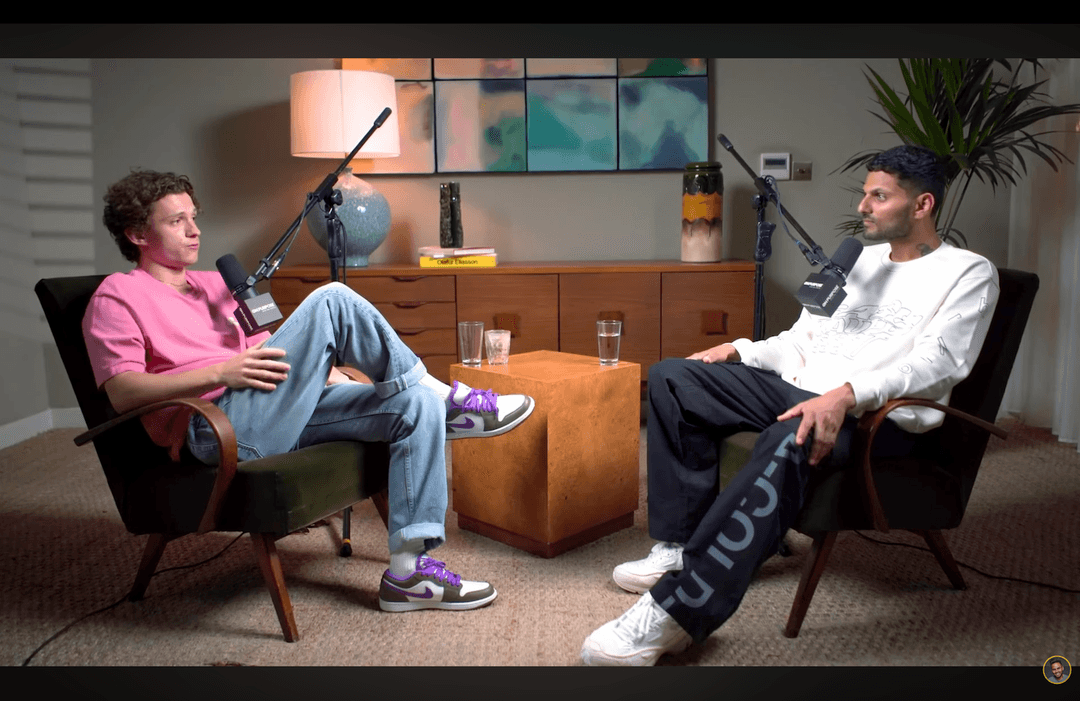
Shorts by CrabCut


วิธีการทำงาน
From วิดีโอยาว to sharper, ready-to-post Shorts in five steps.
Workflow
01
Transcribe
We transcribe your วิดีโอ with high accuracy in 16+ languages.
Feed the Shorts Algorithm
YouTube is aggressively pushing Shorts in its ecosystem. If you aren't repurposing your long-form วิดีโอ, you're missing out on millions of potential subscribers.
Discovery Benefits
Shorts appear on the main feed and the dedicated Shorts shelf. They are the #1 way to get new eyes on your channel in 2026.
Algorithm Push
YouTube rewards channels that use multiple formats. Shorts bridge the gap between casual viewers and loyal subscribers.
From URL to Viral Short
Zero manual editing. Just pure conversion power.
1. วาง Link
Simply copy-paste your วิดีโอ YouTube URL.
2. AI Highlights
AI Finds the most engaging hooks and segments.
3. Shorts-พร้อม
ดาวน์โหลด vertical, captioned shorts ready for YouTube.
Optimized for Conversion
Vertical Crop
Auto-reframe 16:9 วิดีโอ to 9:16 vertical while tracking the subject.
Dynamic คำบรรยาย
Colorful, animated คำบรรยาย that keep viewers glued to the screen.
Hook-First Edits
AI ensures every Short starts with a strong, attention-grabbing hook.
The Ultimate Guide: วิธี Make YouTube Shorts from Long Videos
If you've been wondering how to make YouTube Shorts from a วิดีโอ you've already uploaded, you're in the right place. In the past, repurposing long-form content meant hours of tedious editing, manual cropping, and struggling with aspect ratios. With our AI-powered tool, that's a thing of the past.
The secret to growth in 2026 is being smarter with the content you already have. Many ครีเอเตอร์ sit on a goldmine of long-form วิดีโอ that are perfect for the YouTube Shorts format. By breaking down your best moments into 60-second shorts, you give the algorithm more chances to find your audience.
Why the YouTube Shorts Format Matters
Shorts aren't just a vertical version of your วิดีโอ. They are a discovery engine. When you convert a long วิดีโอ YouTube to Shorts with AI, you create entry points for new viewers. Think of it like a movie trailer. If they like the ไฮไลต์, they'll stick around for the full show.
Our YouTube Shorts ครีเอเตอร์ from วิดีโอยาว technology doesn't just cut your footage. it analyzes the audio cues, facial expressions, and speaker pacing to find the exact moment a "hook" happens. This ensures that every Short you publish has the highest chance of going viral.
Pro Tip for Channel เติบโตth
Always link your Shorts back to the original long-form วิดีโอ using YouTube's "Related Video" feature. This creates a powerful funnel that turns casual viewers into loyal subscribers.
พร้อมลองไหม? เริ่มสร้าง Shorts ฟรี
ลองใช้ฟรีThree things. Done well.
A focused tool that finds moments, คำบรรยาย, and reframes. Built for solo ครีเอเตอร์.
Reframing that actually tracks faces
Multi-speaker podcast? We follow whoever's talking. Single host moving around? We stay locked on. No cropped foreheads, no jaw-cut edges.
คำบรรยาย in 16+ languages
Animated, accurate, customizable. Pick fonts, colors, position, and animation style. Keyword ไฮไลต์ing and emoji auto-placement included.
Your brand, every short
Add your logo, fonts, and colors. Save style presets per channel. Every short exports looking like yours.
เหมาะกับใคร
YouTuber
เติบโต your subscriber base with zero extra work.
แบรนด์
Turn webinars and promos into social content.
ผู้สอน
Share knowledge in bite-sized learning bits.
คำถามที่พบบ่อย
How do I turn a YouTube link into a Short?
Does it work with long-form วิดีโอ?
Are the คำบรรยาย customizable?
Is there a limit to how many Shorts I can create?
Related resources
Keep exploring CrabCut workflows
เติบโต Your YouTube Channel with Shorts | CrabCut
ขยายช่อง YouTube ของคุณ by turning วิดีโอยาว into Shorts. AI ไฮไลต์, คำบรรยาย, and face-tracked reframing. Post daily. 60 ฟรี นาที/เดือน.
Open pageYouTube Shorts Maker | เปลี่ยนวิดีโอ YouTube ให้เป็น Shorts
AI วิดีโอ YouTube shorts maker that converts long วิดีโอ YouTube into Shorts, Reels, and TikTok shorts automatically. ขยายช่องของคุณ with AI.
Open pageเปลี่ยนวิดีโอยาวให้เป็น YouTube Shorts | CrabCut
เปลี่ยนพอดแคสต์ เว็บบินาร์ บทสัมภาษณ์ และวิดีโอ YouTube ให้เป็น YouTube Shorts 9:16 ที่พร้อมโพสต์ด้วย AI คำบรรยาย และการจัดเฟรมอัจฉริยะ
Open pageเปลี่ยนวิดีโอยาวให้เป็น Shorts ด้วย AI | CrabCut
โดยอัตโนมัติ short วิดีโอยาว into Shorts, Reels, and TikTok using AI. No editing required. Turn one วิดีโอ into dozens of viral hits.
Open pageAI Shorts Maker | เปลี่ยนวิดีโอยาวให้เป็น Shorts
สร้าง Shorts, TikTok และ Reels อัตโนมัติด้วย AI ค้นหาช่วงเวลาที่ดีที่สุด เพิ่มคำบรรยาย และส่งออก shorts 9:16 ที่พร้อมโพสต์
Open pageCrabCut Pricing: Plans & Credits
Compare Light, Standard, and Heavy plans. Credits for AI shorts creation, captions, and exports. Start free, no card required.
Open pageขยาย Your YouTube เติบโตth
Turn your existing วิดีโอ into a persistent subscriber magnet.
วางลิงก์ YouTube