Video panjang masuk · Shorts keluar
Zoom Recording to Clips Menggunakan AI
Stop letting your Zoom recordings sit in a folder. Unggah your call recording and get short clips with subtitle in menit. Works with Zoom, Teams, and Google Meet.
Video Panjang
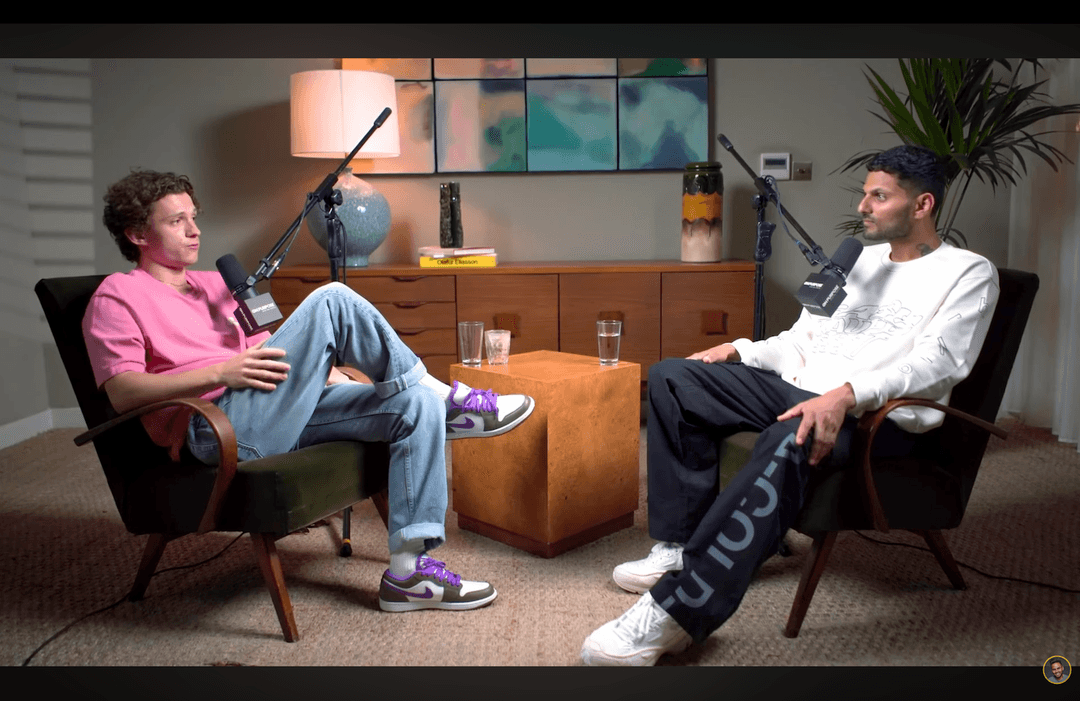
Dipotong oleh CrabCut

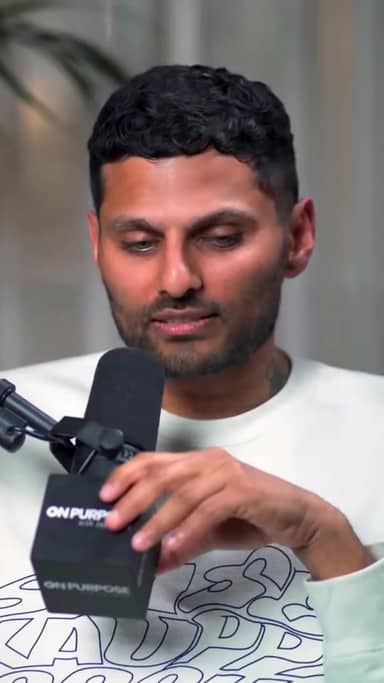
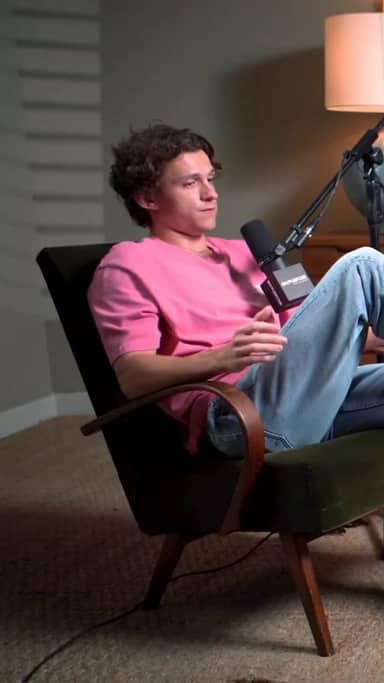
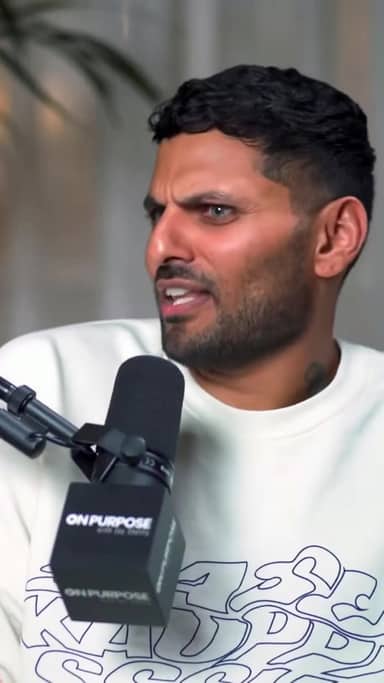
Cara kerjanya
From video panjang to sharper, ready-to-post Shorts in five steps.
Workflow
01
Transcribe
We transcribe your video with high accuracy in 16+ languages.
Get More Value from Every Call
One meeting has many useful moments. Short clips help you share them with people who were not on the call.
Share Key Moments
Pull out the best 60 seconds from a 1-hour call. Share it on Slack, LinkedIn, or email. People watch short clips. They skip long recordings.
Build Your Content Library
Every coaching session, sales call, and training has clips worth saving. Over time, you build a library of useful content from calls you already had.
From Recording to Clips in Minutes
Three steps. No editing skills needed.
1. Unggah Your Recording
Unggah the MP4 or MOV file from Zoom, Teams, or Google Meet.
2. AI Finds Key Moments
Our AI listens to the conversation and picks the best parts automatically.
3. Unduh Your Clips
Get short clips with subtitle, cropped to vertical or landscape format.
Who Uses This?
Coaches and Consultants
Turn coaching sessions into short tips for social media. Tumbuhkan your audience from calls you already do.
Remote Teams
Share meeting sorotan with people who could not attend. Save time on meeting recaps.
Sales Teams
Clip the best parts of sales calls for training. New reps learn faster from real examples.
Siap mencobanya? Mulai membuat klip gratis.
Mulai gratisThree things. Done well.
A focused tool that clips, subtitle, and reframes. Built for solo kreator.
Reframing that actually tracks faces
Multi-speaker podcast? We follow whoever's talking. Single host moving around? We stay locked on. No clipped foreheads, no jaw-cut edges.
Subtitle in 16+ languages
Animated, accurate, customizable. Pick fonts, colors, position, and animation style. Keyword sorotaning and emoji auto-placement included.
Your brand, every clip
Add your logo, fonts, and colors. Save style presets per channel. Every clip exports looking like yours.
Pertanyaan yang Sering Diajukan
What recording formats work?
How long can my recording be?
Does it add subtitle to the clips?
Is there a gratis option?
Related resources
Keep exploring CrabCut workflows
Interview Video Clipper: Turn Interviews into Short...
AI interview video clipper that finds the best moments and creates shareable clips. Perfect for podcaster, journalists, and kreator.
Open pageWebinar Video Clipper: Repurpose Webinars into Short...
AI webinar video clipper that turns long webinars into short, engaging clips. Ideal for marketing teams and pendidik.
Open pageCrabCut: The focused AI clipper for solo kreator
Long video in. Shorts out. Auto sorotan, 16+ language subtitle, and face-tracked penyesuaian frame. From €12.99/bulan. 60 gratis menit every bulan, no card required.
Open pageCrabCut Pricing: Plans & Credits
Compare Free, Starter, and Pro plans. Credits for AI clipping, subtitle, and exports. Mulai gratis, no card required.
Open pageAI Video Clipper: Secara otomatis Turn Long Videos into...
AI Video Clipper that finds sorotan and creates short clips automatically. Ubah video panjang menjadi TikTok, Reels, and Shorts in menit.
Open pageTumbuhkan Your YouTube Channel with Shorts | CrabCut
Kembangkan channel YouTube Anda by turning video panjang into Shorts. AI sorotan, subtitle, and face-tracked penyesuaian frame. Post daily. 60 gratis menit/bulan.
Open pageTurn Your Recordings into Clips
Unggah your Zoom, Teams, or Meet recording. Get clips in menit.
Try It Free