Video panjang masuk · Shorts keluar
Horizontal to Vertical Video AI
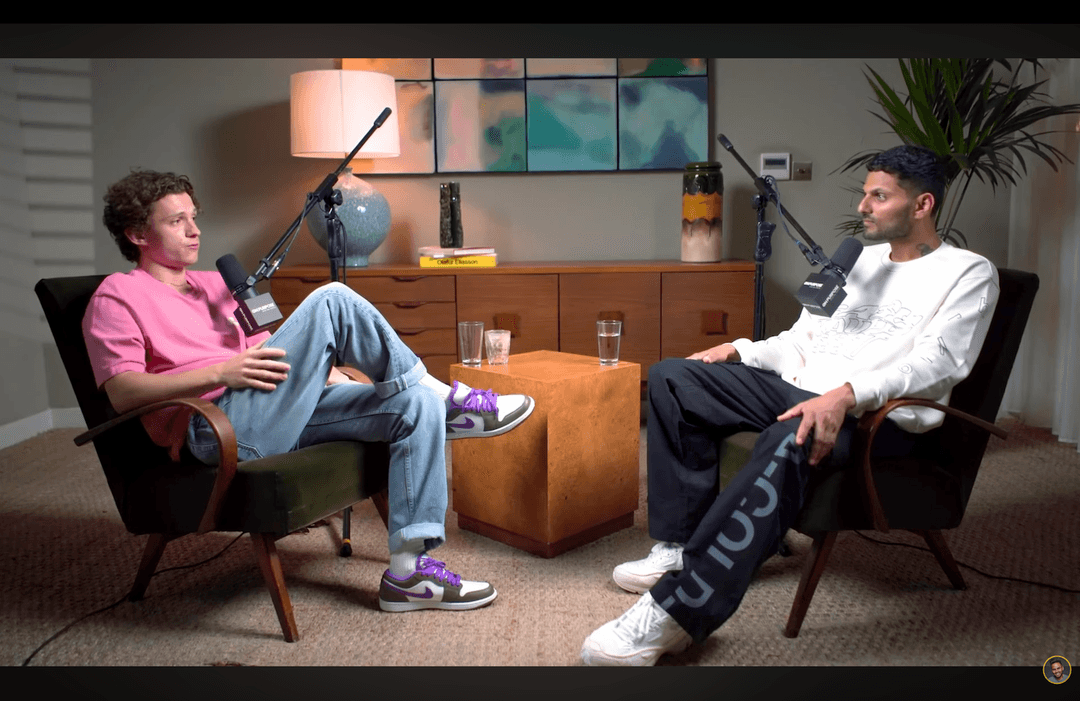
Landscape video don't belong on mobile. Transform any horizontal footage into high-performing vertical shorts for TikTok, Reels, and Shorts.
Video Panjang
Shorts by CrabCut
Cara kerjanya
From video panjang to sharper, ready-to-post Shorts in five steps.
Workflow
01
Transcribe
We transcribe your video with high accuracy in 16+ languages.
The Mobile-First Shift
Viewing habits have changed. Modern audiences consume 90% of their social media content vertically. Don't let your landscape footage go to waste.
Native Experience
Vertical video fills the entire screen, increasing immersion and reducing distractions. It feels "native" to the platform.
No More Black Bars
Tiny landscape video in a vertical player look unprofessional. Our AI crops and focuses to ensure professional output every time.
Smart Reframe Technology
One-click conversion for any landscape footage.
1. Unggah Landscape
Unggah any 16:9 or horizontal video file.
2. Smart Tracking
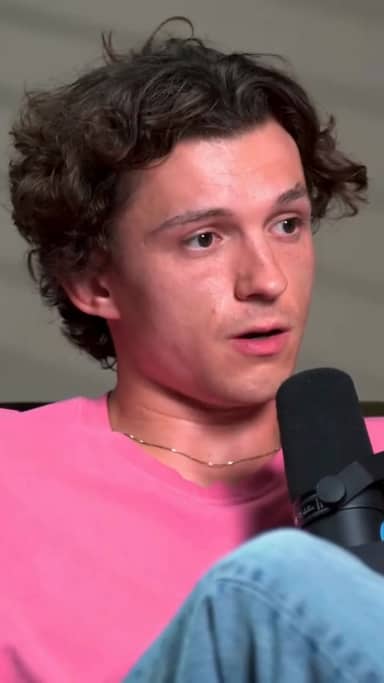
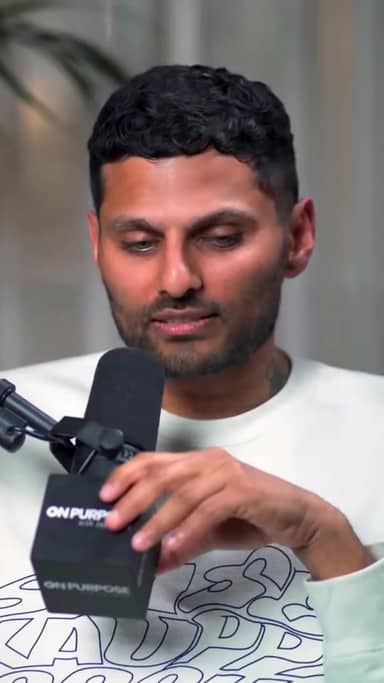
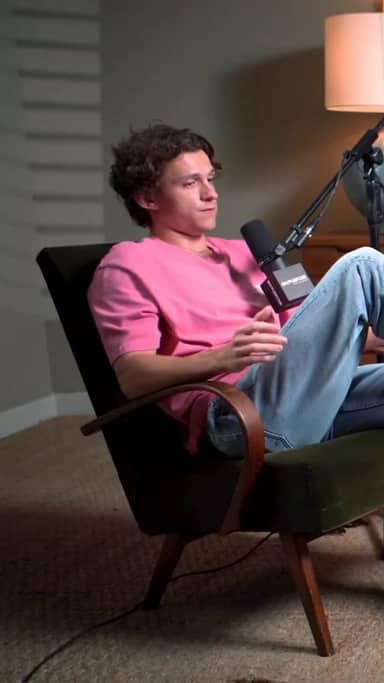
AI identifies the speaker and tracks them in the crop.
3. Vertical Export
Unduh multiple 9:16 shorts ready for posting.
Convert Any Source
YouTube Videos
Turn your main channel content into Shorts instantly.
Webinars
Extract key takeaways from long presentations.
Interviews
Keep both speakers in frame with smart switching.
Siap mencoba? Mulai buat shorts gratis.
Coba gratisThree things. Done well.
A focused tool that finds moments, subtitle, and reframes. Built for solo kreator.
Reframing that actually tracks faces
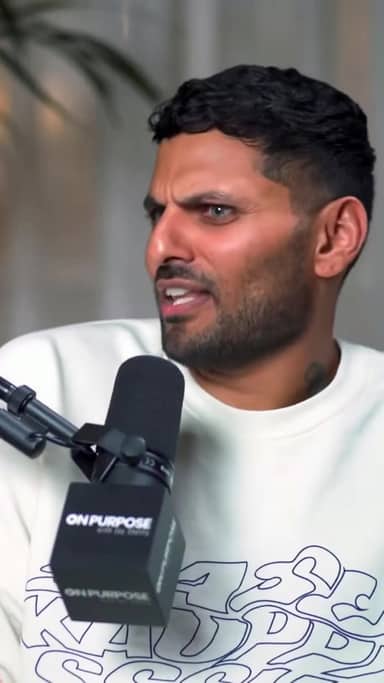
Multi-speaker podcast? We follow whoever's talking. Single host moving around? We stay locked on. No cropped foreheads, no jaw-cut edges.
Subtitle in 16+ languages
Animated, accurate, customizable. Pick fonts, colors, position, and animation style. Keyword sorotaning and emoji auto-placement included.
Your brand, every short
Add your logo, fonts, and colors. Save style presets per channel. Every short exports looking like yours.
The Vertical Advantage
No Manual Edits
Stop frame-by-frame penyesuaian frame in Premiere. AI does it in seconds.
Platform Proof
Perfectly aligned for TikTok, Reels, and Shorts safe-zones.
Skalakan Output
Turn one webinar into 20+ pieces of vertical content.
Pertanyaan yang Sering Diajukan
How does the AI keep the speaker in frame?
Does it support 4K video?
Can I choose between crop and blur-background?
What video formats are supported?
Related resources
Keep exploring CrabCut workflows
AI Shorts Maker | Ubah video panjang menjadi shorts
AI Shorts Maker yang menemukan momen terbaik dan membuat shorts 9:16 siap untuk TikTok, Reels, dan YouTube Shorts.
Open pageAI Shorts Maker gratis | 60 menit gratis setiap bulan
AI Shorts Maker gratis dengan 60 menit per bulan. Tanpa kartu kredit. Ubah video panjang menjadi shorts dengan subtitle.
Open pageAI Sorotans Generator: Find the Best Moments in Your...
AI sorotan generator that automatically finds the most engaging moments in video panjang. Buat ready-to-post shorts from your best content instantly.
Open pageAI Shorts for Pendidik & Coaches: Turn Lessons...
AI shorts for pendidik, coaches, and course kreator. Turn long lessons and courses into short, engaging video shorts that boost retention.
Open pageAI Shorts with Subtitle: Generate Ready-to-Post Shorts with...
Generate short-form video shorts with eye-catching AI subtitle. The combined power of AI shorts creation and dynamic subtitle for social media growth.
Open pageAI Shorts Maker untuk agensi | Buat shorts dalam skala besar
AI Shorts Maker untuk agensi yang perlu membuat banyak konten short-form dengan cepat. Skalakan produksi konten dengan repurposing video otomatis.
Open pageUnlock Your Video's Potential
Turn your landscape library into a vertical content machine.
Go Vertical Now