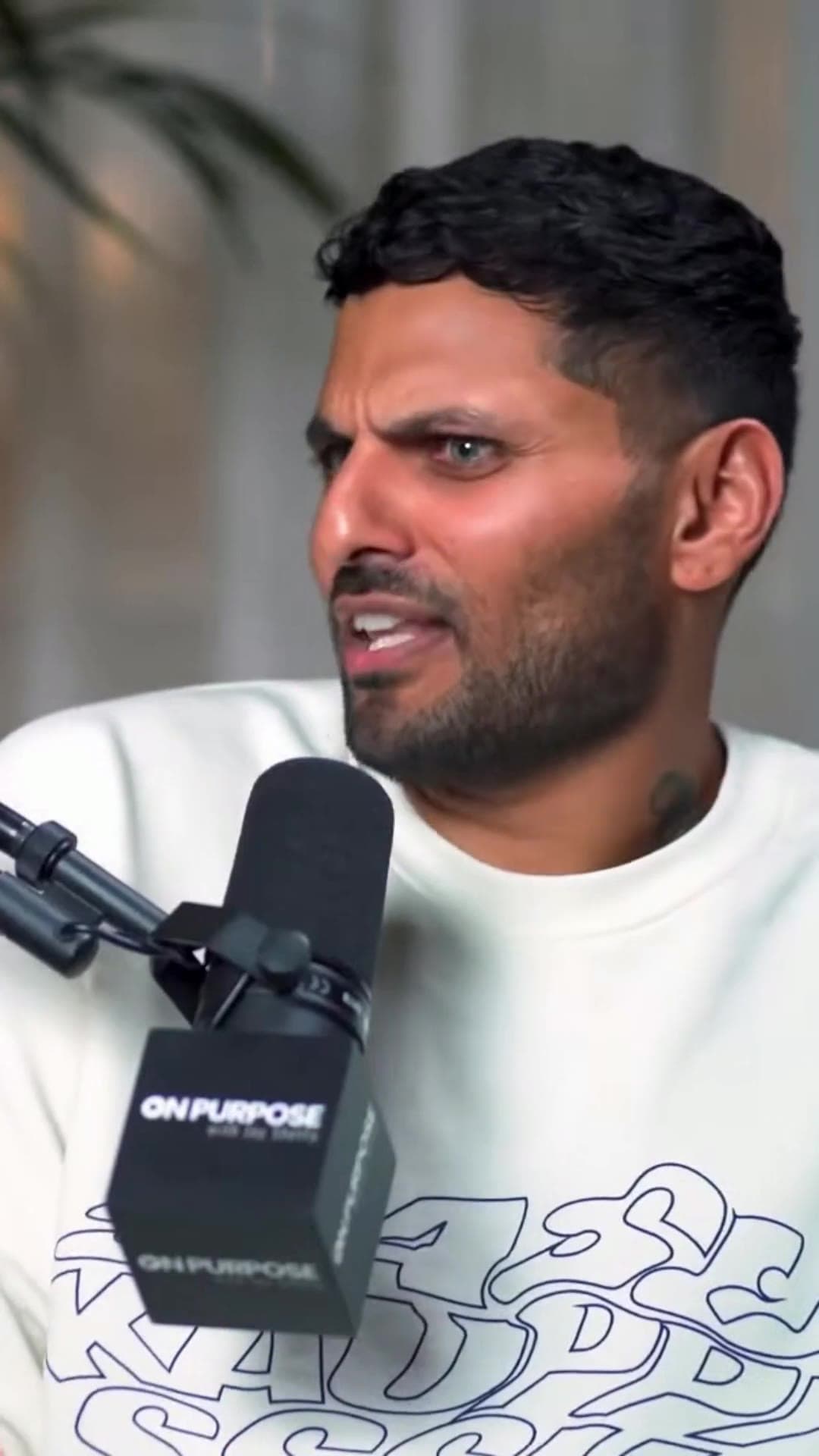
Video panjang masuk · Shorts keluar

Cara Auto Clip Long Videos into Shorts with AI

Your video panjang are gathering dust. Turn them into a content engine. Secara otomatis extract sorotan, crop for mobile, and dominate social media.

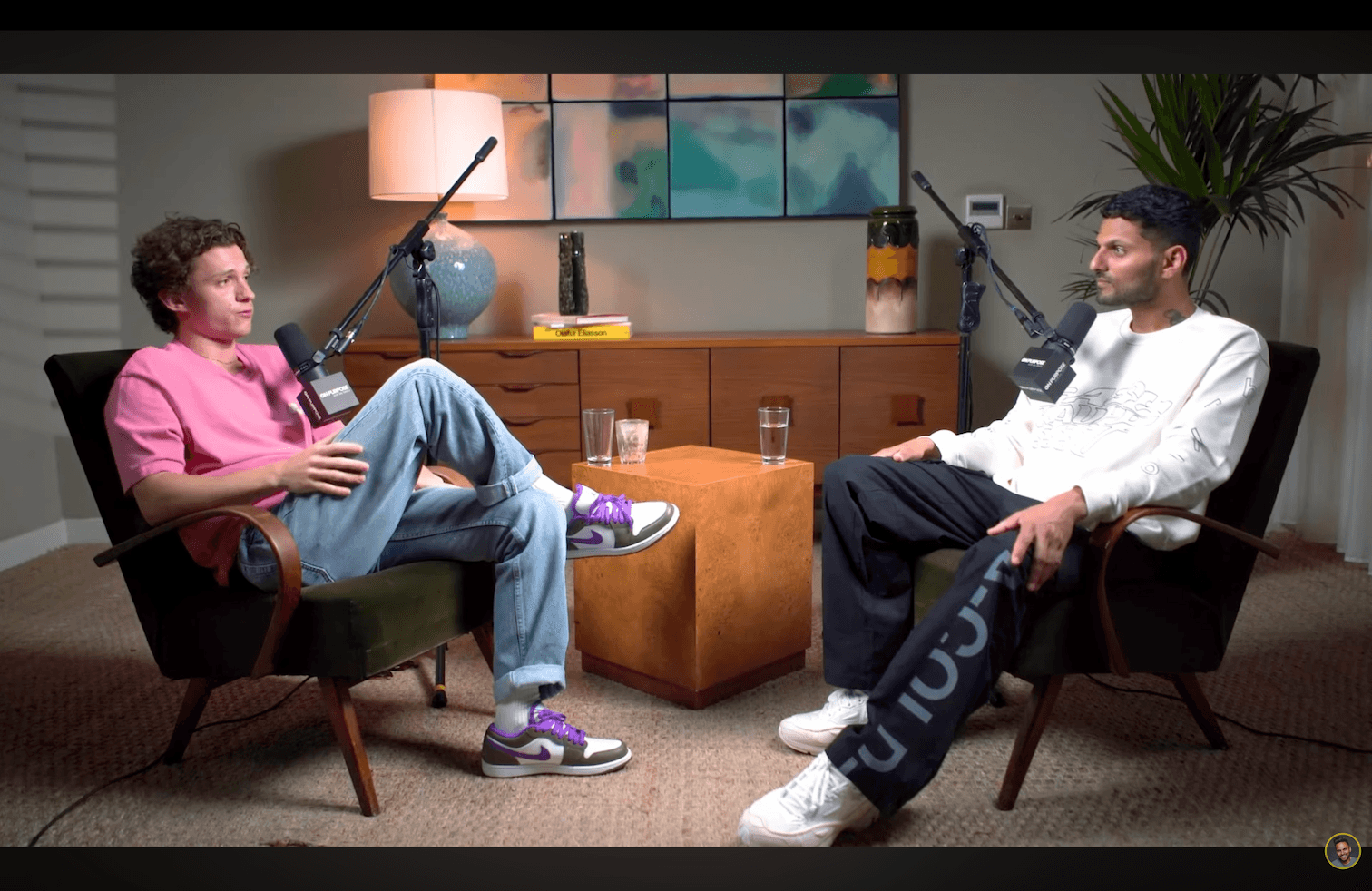
Video Panjang

Tom — still sumber format panjang

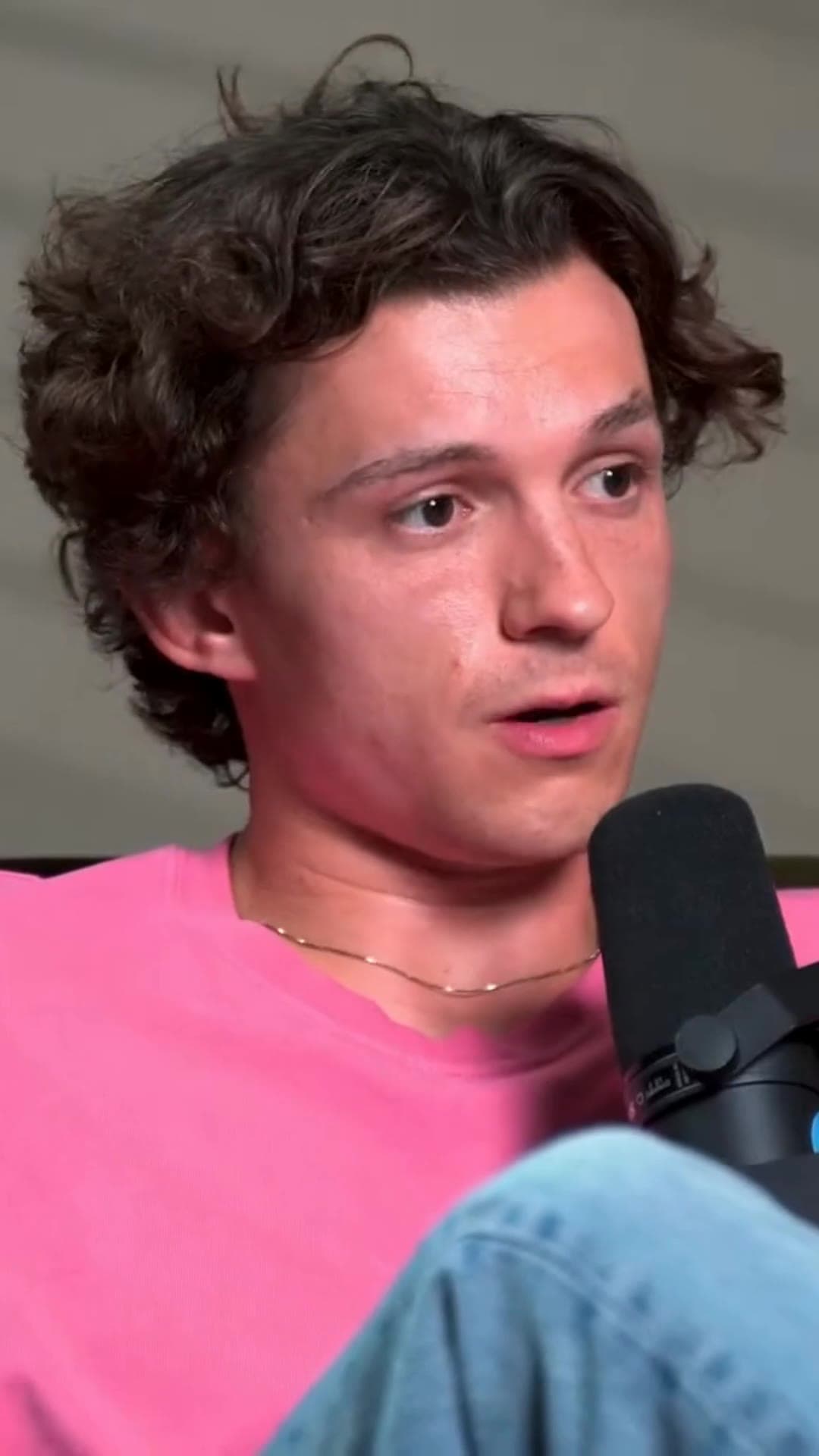
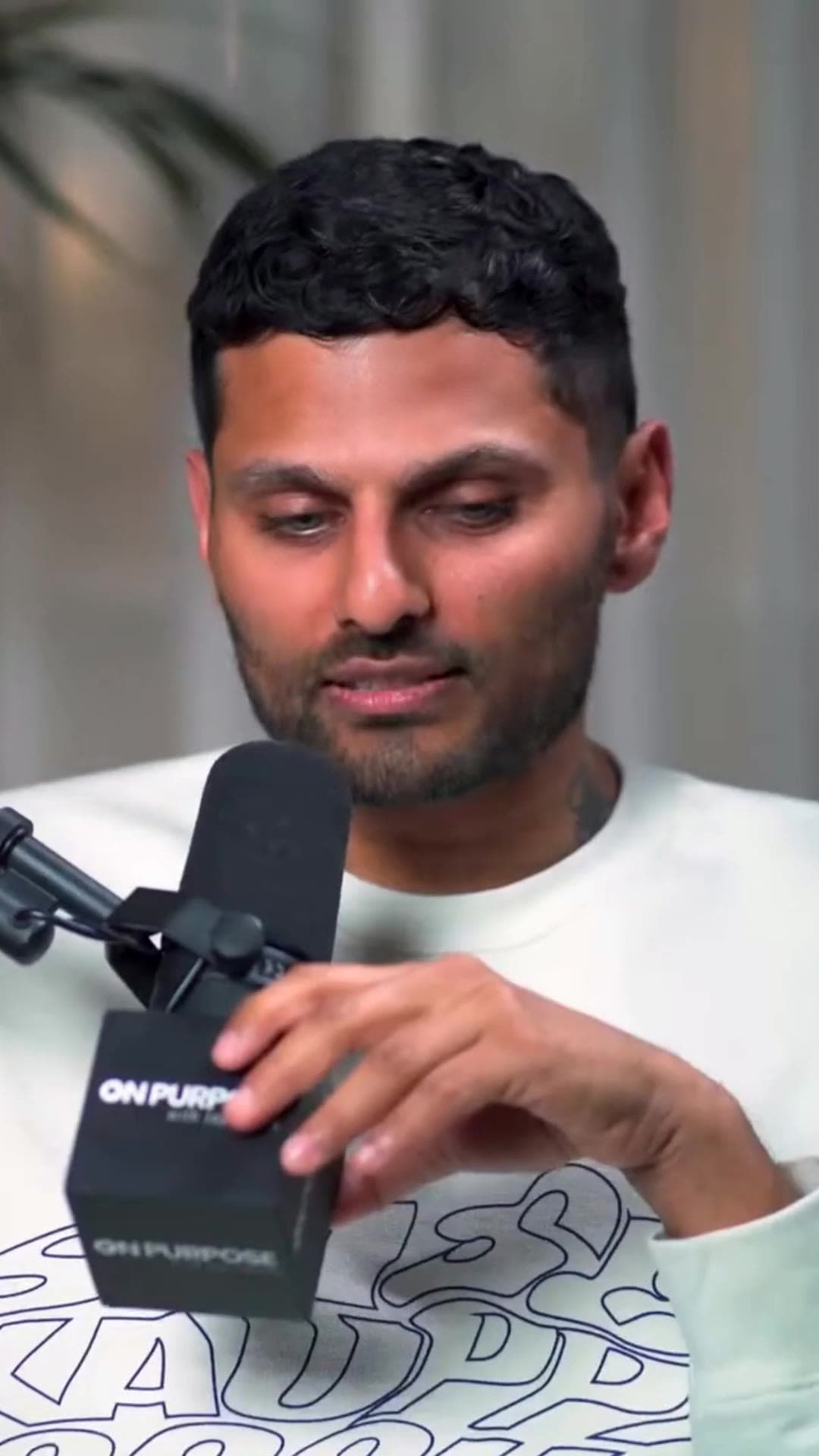
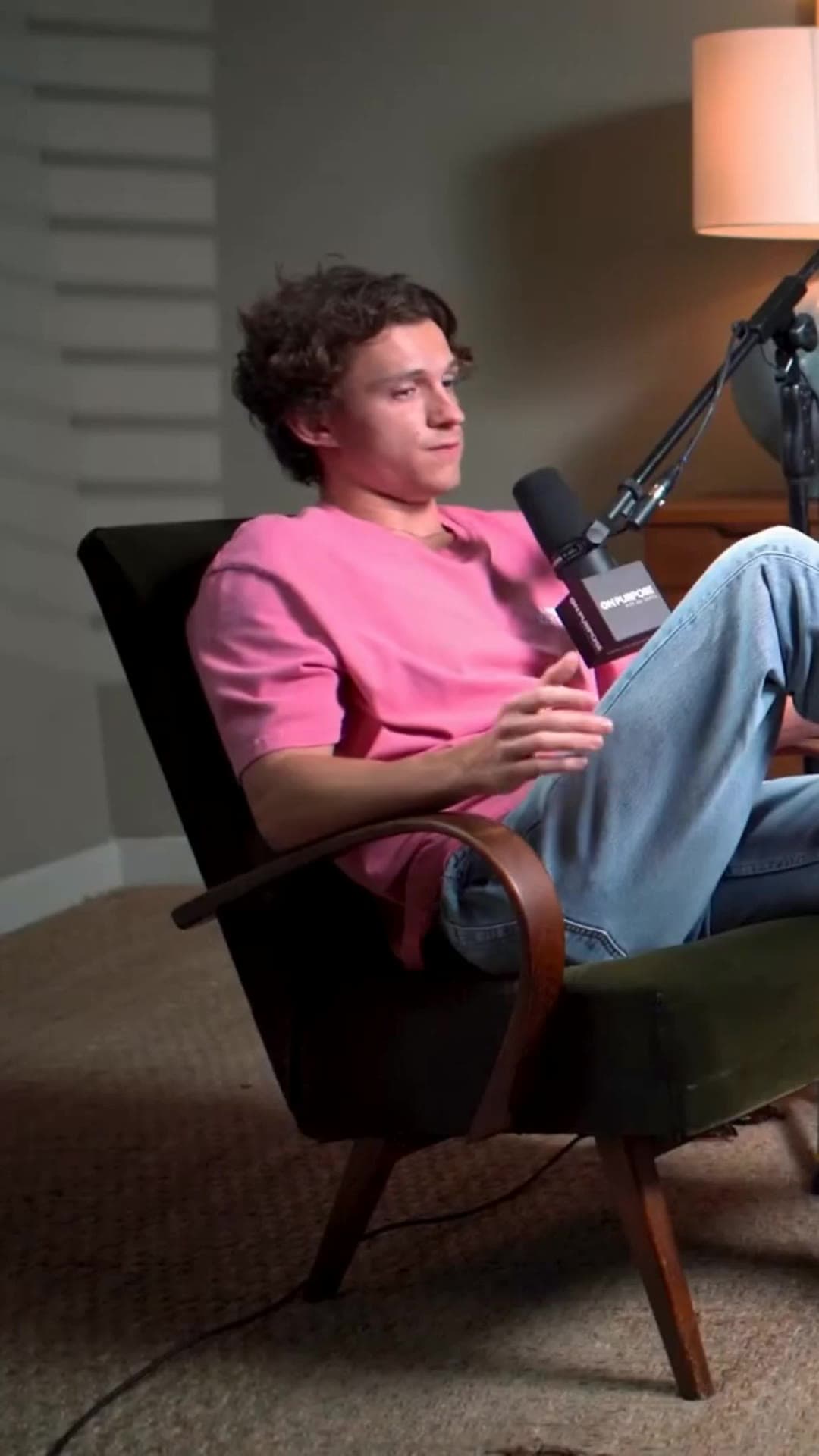
Dipotong oleh CrabCut

Tom — contoh klip vertikal 1
Tom — contoh klip vertikal 2
Tom — contoh klip vertikal 3

Cara kerjanya

From video panjang to ready-to-post Shorts in four steps.

01

Transcribe

We transcribe your video with high accuracy in 16+ languages.

TranscriptEN
00:04So the idea was never about going viral overnight.
00:11It was about showing up consistently, even when nobody was watching.
00:18That part is what actually compounds.
02

Find sorotan

AI scans the transcript and content to surface the strongest moments automatically.

Full clipSorotans
0:0042:18
03

Reframe & repurpose

Each sorotan is reframed to 9:16 with face tracking, ready for Shorts, Reels, and TikTok.

04

Caption & hook

Animated subtitle and attention-grabbing hooks are added to every clip.

Wait for it—

the part everyone rewinds.

Caption on beat

keyword pop

Key Reasons to Auto Clip Long Videos into Shorts

The digital landscape has shifted. If you aren't adapting your long-form content for the "scroll" generation, you're being left behind.

The Algorithm Hates Length

TikTok, Instagram, and YouTube Shorts favor high retention. A 30-minute video gets 0 views if people scroll away in 3 seconds. You need to hook them instantly.

The "Scroll" Mentality

Mobile users don't want to rotate their phones. If your video isn't vertical (9:16) and fast-paced, you are invisible to 80% of mobile traffic.

Our AI Short Video Generator Process

We bridge the gap between traditional long-form video and modern viral formats.

Detects Hooks

Our model finds the "Goldilocks" moments: not too long, not too short, just interesting enough to stop the scroll.

Crops & Formats

It intelligently crops landscape video to vertical, tracking the active speaker so they are always in focus.

Adds Viral Subtitle

Burned-in subtitle are essential for sound-off viewing. We add them automatically with trending styles.

Perfect For Every Creator

USE CASE #1

Podcasts → Shorts

Turn a 1-hour conversation into 10 sorotan clips. Promote the full episode by teasing the best stories on TikTok.

USE CASE #2

Interviews → Reels

Extract the most insightful answers from your guest. Position yourself as a thought leader on Instagram and LinkedIn.

USE CASE #3

Webinars → Content

Don't let your Zoom recording die in a folder. Repurpose Q&A sessions and value bombs into evergreen micro-content.

Save 10+ Hours/Week

Stop scrubbing through timelines. Let AI find the gold while you sleep.

Increase Reach

More formats = more platforms. Be everywhere at once without extra effort.

One video, many assets

Turn a single long recording into multiple shorts you can download whenever you're ready to post.

Pertanyaan yang Sering Diajukan

We recommend long-form video between 15 menit to 4 hours long. This gives the AI enough content to find multiple high-quality, standalone clips.
Yes. The AI does 95% of the work, but you can always enter our editor to fine-tune start/end times, adjust subtitle, or change the aspect ratio.
Yes, our 'Active Speaker Detection' technology automatically tracks faces and keeps the speaker centered in the 9:16 frame, even if they move around.
Our AI is trained to find 'hooks', moments with a clear beginning and end that tell a complete mini-story, ensuring they work perfectly as standalone Shorts.

Siap to Skalakan Your Content?

Don't just upload one video panjang. Turn it into 10 viral assets instantly.

Auto Clip Your Video