Long video in · Shorts out
Horizontal to Vertical Video AI
Landscape videos don't belong on mobile. Transform any horizontal footage into high-performing vertical shorts for TikTok, Reels, and Shorts.
Long Video
Shorts by CrabCut
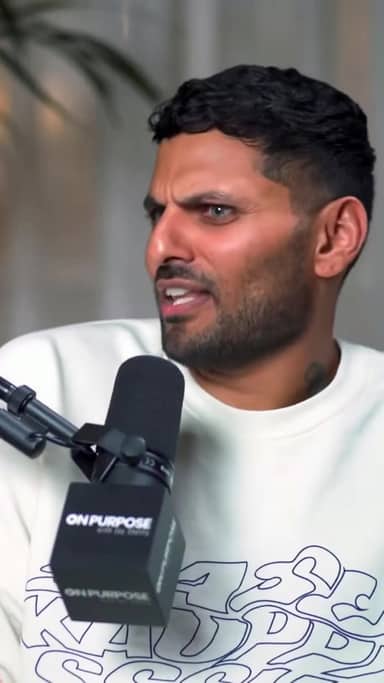
Quick answer
What is an AI shorts maker?
Horizontal to Vertical Video AI Converter
An AI shorts maker finds strong moments in long videos and turns them into ready-to-post 9:16 shorts for TikTok, Reels, and YouTube Shorts.
- AI highlight detection
- Auto captions and hooks
- 9:16 reframing with face tracking
How it works
From long video to sharper, ready-to-post Shorts in five steps.
Workflow
01
Transcribe
We transcribe your video with high accuracy in 16+ languages.
The Mobile-First Shift
Viewing habits have changed. Modern audiences consume 90% of their social media content vertically. Don't let your landscape footage go to waste.
Native Experience
Vertical video fills the entire screen, increasing immersion and reducing distractions. It feels "native" to the platform.
No More Black Bars
Tiny landscape videos in a vertical player look unprofessional. Our AI crops and focuses to ensure professional output every time.
Smart Reframe Technology
One-click conversion for any landscape footage.
1. Upload Landscape
Upload any 16:9 or horizontal video file.
2. Smart Tracking
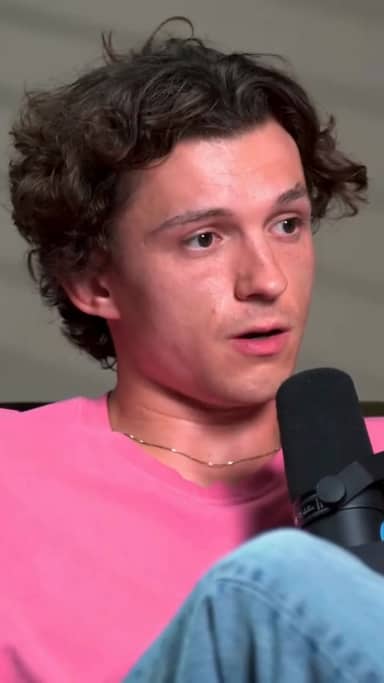
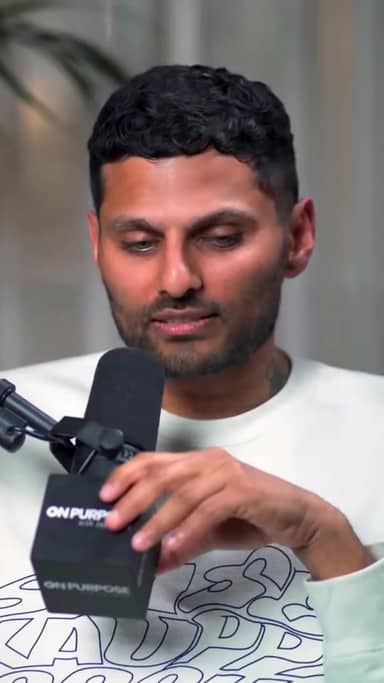
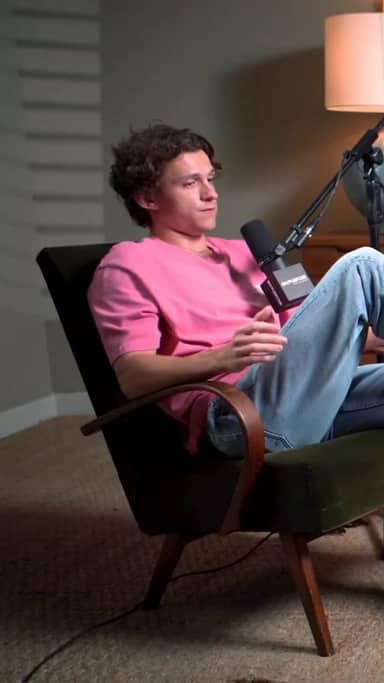
AI identifies the speaker and tracks them in the crop.
3. Vertical Export
Download multiple 9:16 shorts ready for posting.
Convert Any Source
YouTube Videos
Turn your main channel content into Shorts instantly.
Webinars
Extract key takeaways from long presentations.
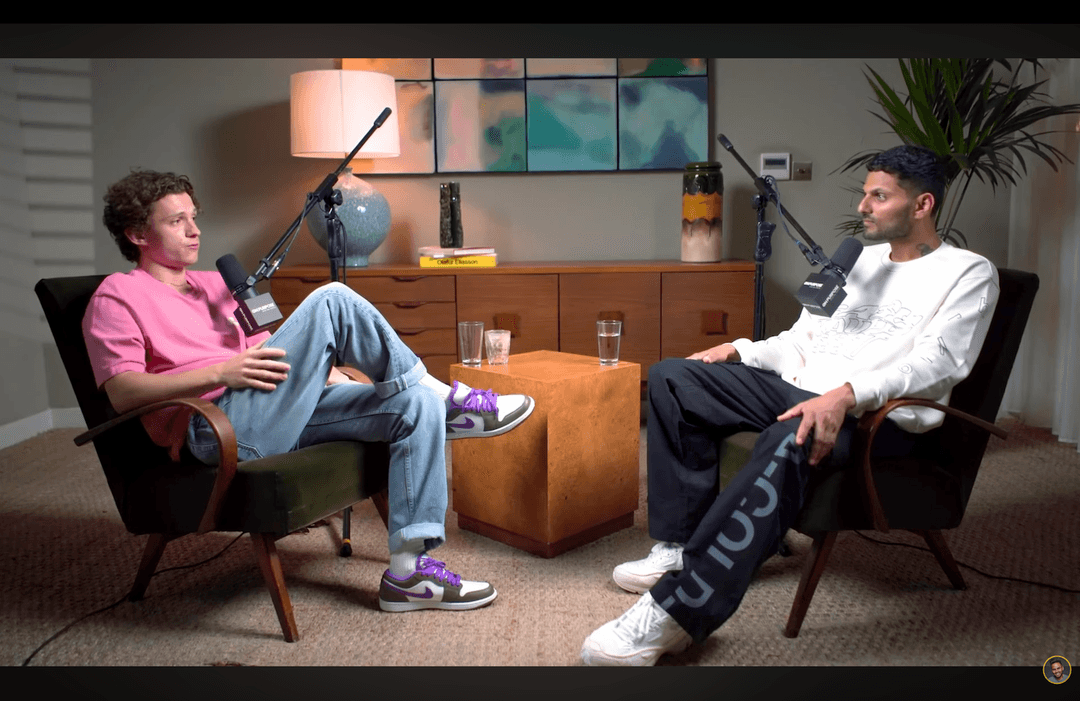
Interviews
Keep both speakers in frame with smart switching.
Ready to try it? Start making shorts for free.
Start freeThree things. Done well.
A focused tool that finds moments, captions, and reframes. Built for solo creators.
Reframing that actually tracks faces
Multi-speaker podcast? We follow whoever's talking. Single host moving around? We stay locked on. No cropped foreheads, no jaw-cut edges.
Captions in 16+ languages
Animated, accurate, customizable. Pick fonts, colors, position, and animation style. Keyword highlighting and emoji auto-placement included.
Your brand, every short
Add your logo, fonts, and colors. Save style presets per channel. Every short exports looking like yours.
The Vertical Advantage
No Manual Edits
Stop frame-by-frame reframing in Premiere. AI does it in seconds.
Platform Proof
Perfectly aligned for TikTok, Reels, and Shorts safe-zones.
Scale Output
Turn one webinar into 20+ pieces of vertical content.
Frequently Asked Questions
How does the AI keep the speaker in frame?
Does it support 4K videos?
Can I choose between crop and blur-background?
What video formats are supported?
Related resources
Keep exploring CrabCut workflows
AI Shorts Maker for TikTok, Reels & YouTube Shorts
Turn long videos into shorts with AI highlights, captions, 9:16 reframing, and silence removal for Shorts, Reels, and TikTok.
Open pageFree AI Shorts Maker with 60 Sign-Up Credits
Start free. Turn long videos into shorts with AI highlights, captions, vertical reframing, and no card required.
Open pageAI Highlights Generator for Long Videos
Find the strongest moments in long videos with AI, then turn highlights into captioned shorts for social platforms.
Open pageAI Shorts for Educators, Coaches & Courses
Turn lectures, courses, workshops, and coaching sessions into shorts with AI highlights, captions, and vertical framing.
Open pageAI Shorts with Captions for Short-Form Video
Create shorts with AI captions, hooks, highlight detection, and vertical reframing for social videos people can watch with sound off.
Open pageAI Shorts Maker for Agencies & Client Work
Create short-form videos for clients with AI highlights, captions, vertical reframing, and repeatable video repurposing workflows.
Open pageUnlock Your Video's Potential
Turn your landscape library into a vertical content machine.
Go Vertical Now