YouTube Video Clipper for Shorts & TikTok
Just paste a YouTube link. Our AI will watch the video, find the best moments, and turn them into viral Shorts instantly.
How it works
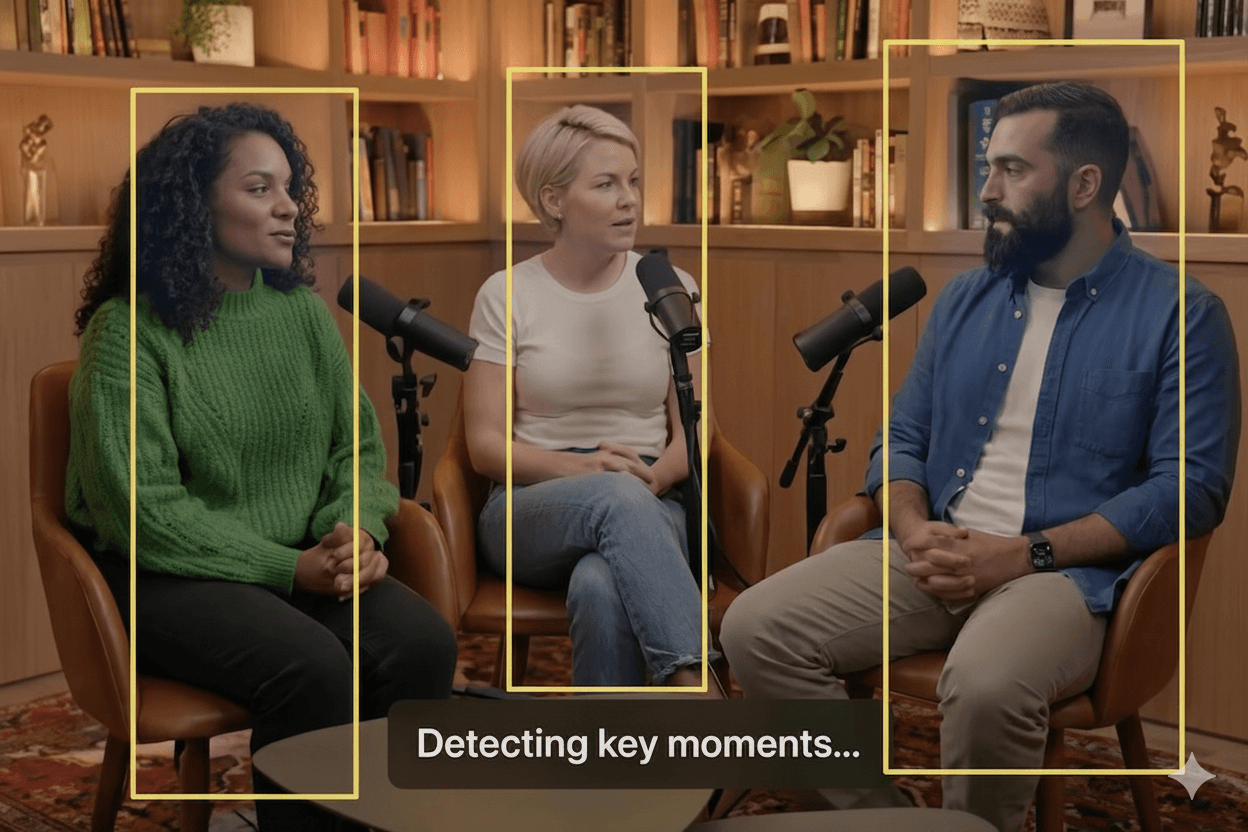
AI clipping tool that finds the best moments, reframes, adds captions and turn them into ready-to-share viral clips in few minutes.
Upload and analyze highlight
Upload your long-form video or paste a link. Our AI instantly analyzes content to find viral moments using AI highlight detection
Get clips with auto caption
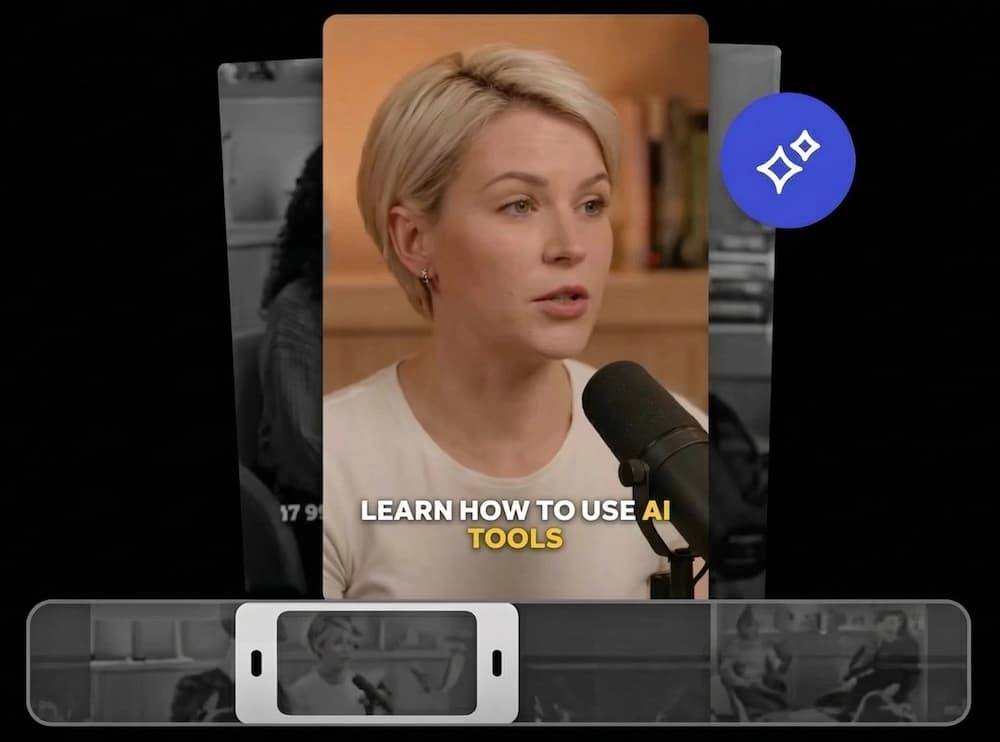
Receive perfectly trimmed clips with accurate, animated auto-generated captions & subtitles automatically.
Export and auto schedule post
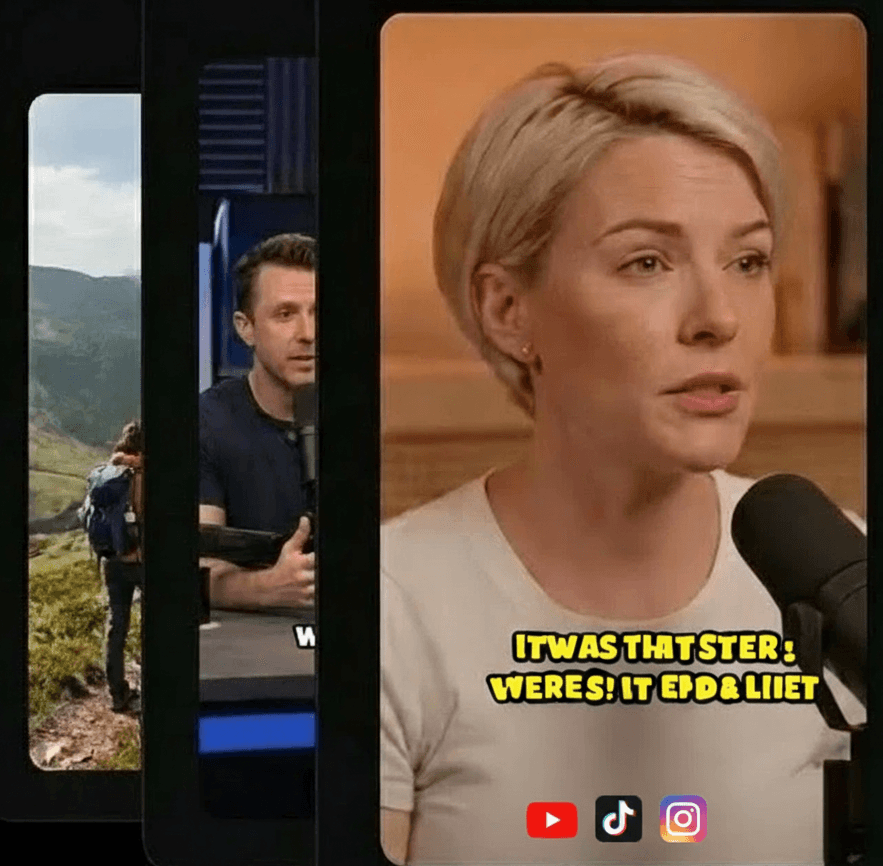
Customize Visuals & Branding and export high-quality clips and use social video scheduler to publish them directly to TikTok, Reels, and Shorts.
Why You Must Clip Your YouTube Videos
The YouTube algorithm has shifted. Long-form videos are hard to discover, but Shorts are seeing explosive growth. Repurposing is the smartest way to grow.
Discovery
New viewers rarely commit to a 20-minute video. Shorts appear in the feed, reaching users who have never heard of you.
Reach
Shorts get 10x-100x more impressions than long-form videos for small channels. It's the fastest way to gain subscribers.
ROI
You already did the work of filming. Get 10 pieces of content from 1 shoot instead of letting that effort go to waste.
From YouTube URL to Viral Short
The fastest workflow in the industry. No downloading required.
1. Paste URL
Copy any YouTube link and paste it into our clipper.
2. AI Analysis
We scan the transcript and video to find the hooks.
3. Generate
Clips are created with captions, cropping, and framing.
4. Download
Export in 1080p and upload to YouTube Shorts.
Optimized for YouTube Shorts
YouTube Shorts has a specific vibe. We ensure your clips fit right in, maximizing your chances of going viral on the platform.
Native Vertical Format
9:16 aspect ratio that fills the mobile screen completely.
Hook-First Editing
We start the clip at the most engaging moment to prevent swiping.
Engaging Captions
Karaoke-style captions that keep viewers reading and watching.
Built For Video Creators
YouTubers
Use your back catalog of long videos to drive traffic to your new uploads via Shorts.
Podcasters
Video podcasts are huge on YouTube. Clip the best stories and debates for maximum exposure.
Educators
Tutorials and lectures are full of valuable nuggets. Share them with waiting students.
Frequently Asked Questions
Turn Your Channel Into a Growth Engine
Paste your YouTube link and get your first Short in minutes. No credit card required.
Clip My Video