Video to
Vertical Clips AI
Turn any video into a vertical content machine. Our AI automatically reframes and trims your footage for the mobile-first era.
How it works
AI clipping tool that finds the best moments, reframes, adds captions and turn them into ready-to-share viral clips in few minutes.
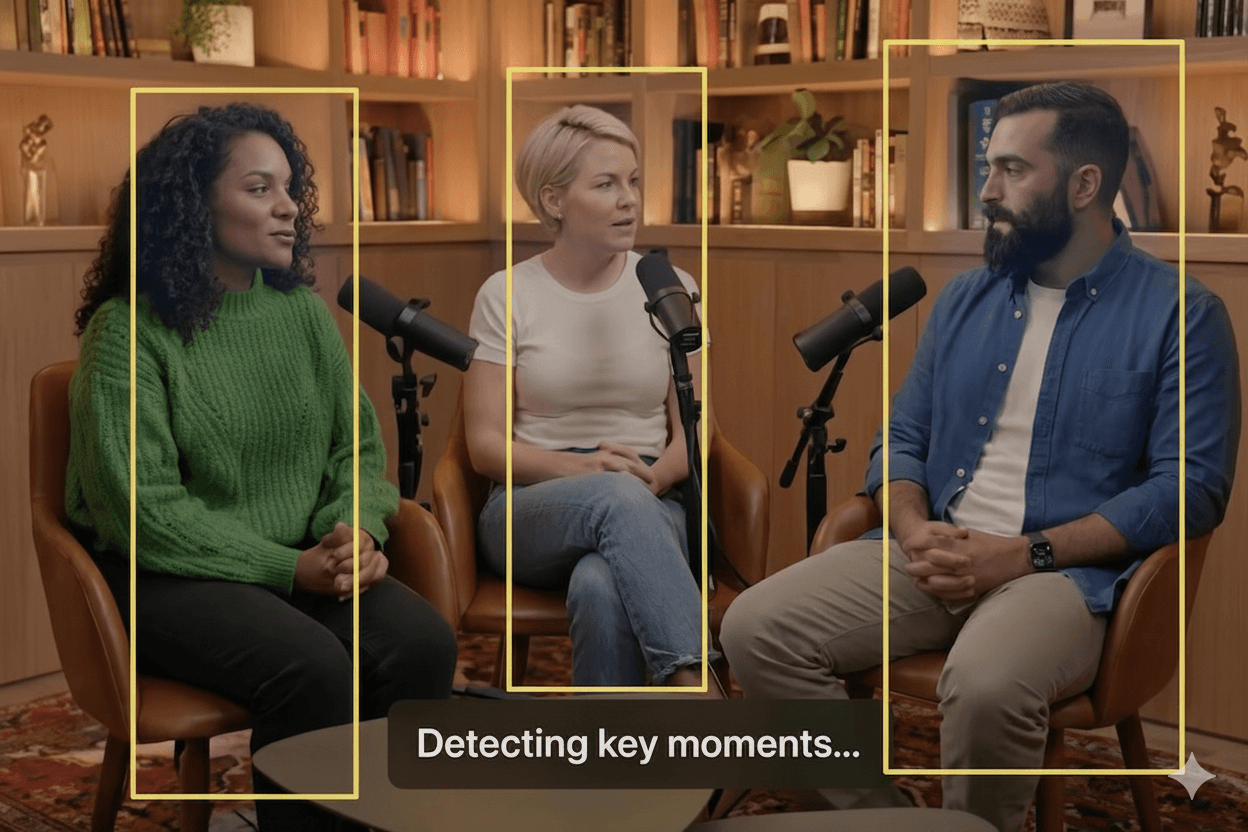
Upload and analyze highlight
Upload your long-form video or paste a link. Our AI instantly analyzes content to find viral moments using AI highlight detection
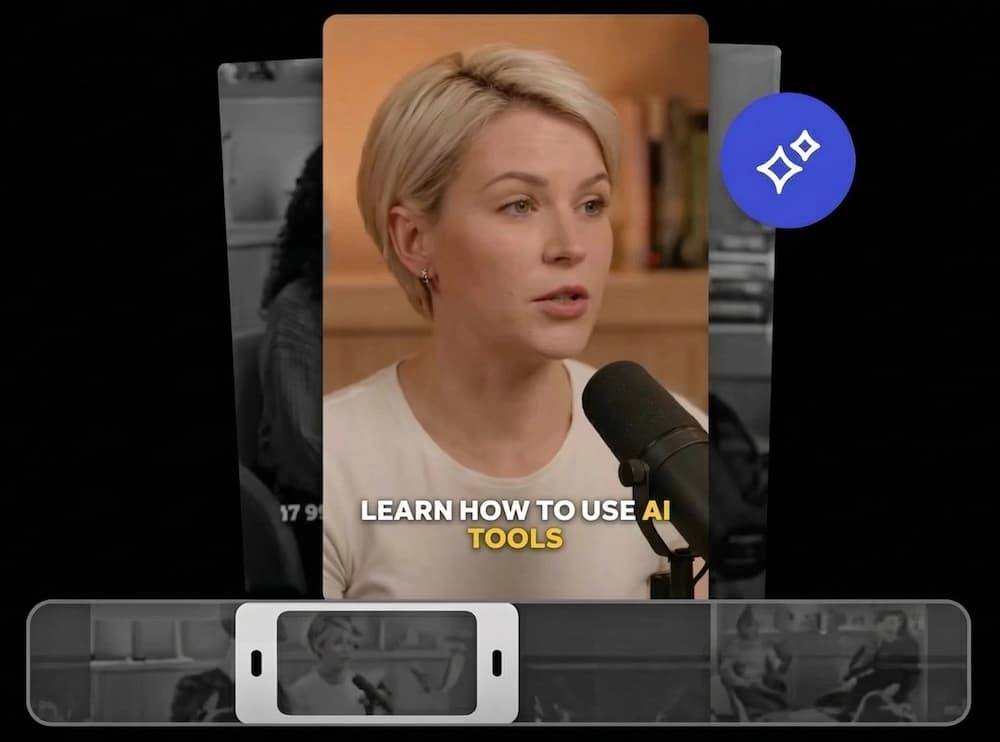
Get clips with auto caption
Receive perfectly trimmed clips with accurate, animated auto-generated captions & subtitles automatically.
Export and auto schedule post
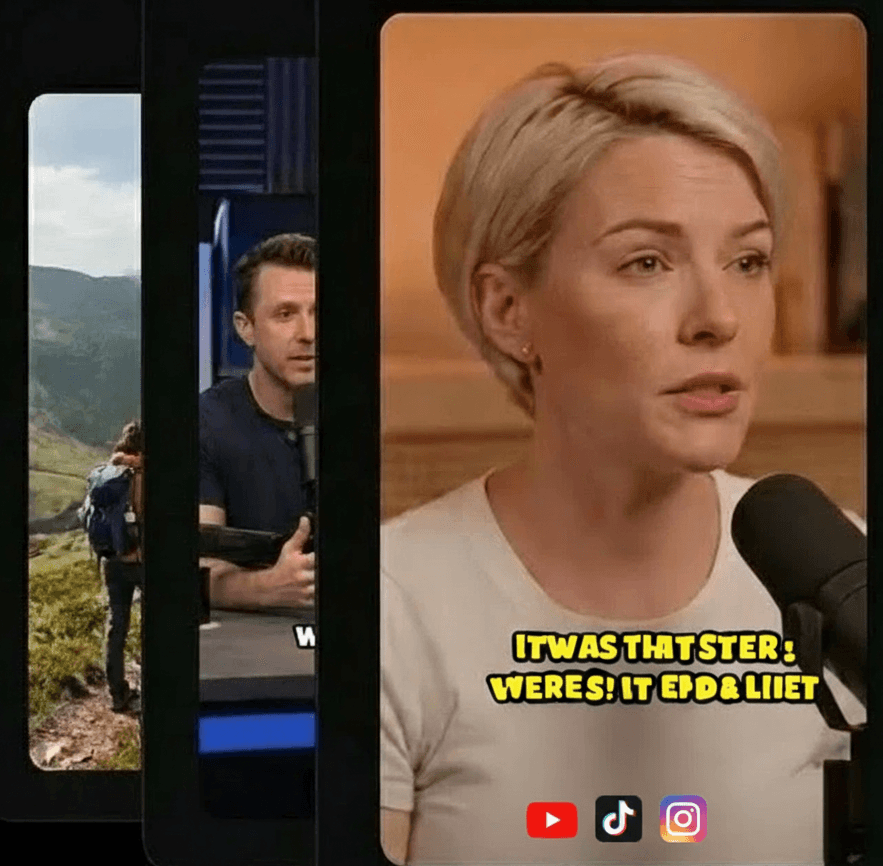
Customize Visuals & Branding and export high-quality clips and use social video scheduler to publish them directly to TikTok, Reels, and Shorts.
The Future of Content is Vertical
Vertical clips (9:16 aspect ratio) are designed specifically for smartphones. With 90% of social media interactions happening on mobile, failing to provide vertical content means failing to reach your audience.
Higher Engagement
Full-screen vertical videos capture 2x more attention than horizontal ones. Don't hide your message in tiny bars.
Platform Relevancy
TikTok, Instagram Reels, and YouTube Shorts all require vertical video to unlock their massive distribution algorithms.
Automated Vertical Conversion
Transform any source into viral-ready clips.
1. Upload Video
Drop any horizontal video or paste a link.
2. Intelligent Reframe
AI tracks subjects and crops to the best 9:16 frame.
3. Vertical Export
Download multiple high-quality vertical clips.
Optimized For Every App
TikTok
Fast-paced clips with high retention for the FYP.
Instagram Reels
Aesthetic, high-quality framing for IG discovery.
YouTube Shorts
Focus-led clips to drive channel subscribers.
Everything you need to go viral.
Crabcut provides a comprehensive suite of AI-powered tools to transform your content strategy. Try the quality of our AI-powered tools for free.
Auto Clip Generator
Extract the best moments automatically. Our AI video clipper detects viral hooks to maximize audience retention.
AI Captions Generator
Styled, accurate, and customizable. Generate auto-captions in 99+ languages to skyrocket your video reach.
Auto Reframe
Optimized for TikTok, YouTube Shorts, Instagram Reels. Intelligent face tracking keeps subjects centered in 9:16 format.
Social Media Scheduler
Plan and publish at peak times. Streamline your social media workflow with effortless cross-platform auto-posting.
Custom Branding
Add logos, background music, and styles. Build a cohesive brand identity with custom watermarks and saved templates.
AI B-roll videos
Upload your file or add from stock media library. Enrich visual storytelling with smart B-roll matching and dynamic transitions.
The Efficiency Advantage
1 Video = 10+ Clips
Multiply your content output without spending extra time filming.
Automatic Captions
AI adds synced, high-engagement subtitles to every vertical clip.
No Editing Needed
Skip the complex timeline work. Let AI handle the crop and trim.
Frequently Asked Questions
Unlock Vertical Distribution
Turn your existing landscape content into a vertical growth machine.
Convert to Vertical