How to Auto Subtitle Video Clips with AI Automatically
Captions are no longer optional. Let AI transcribe and style your subtitles automatically, ensuring 100% engagement even with sound off.
How it works
AI clipping tool that finds the best moments, reframes, adds captions and turn them into ready-to-share viral clips in few minutes.
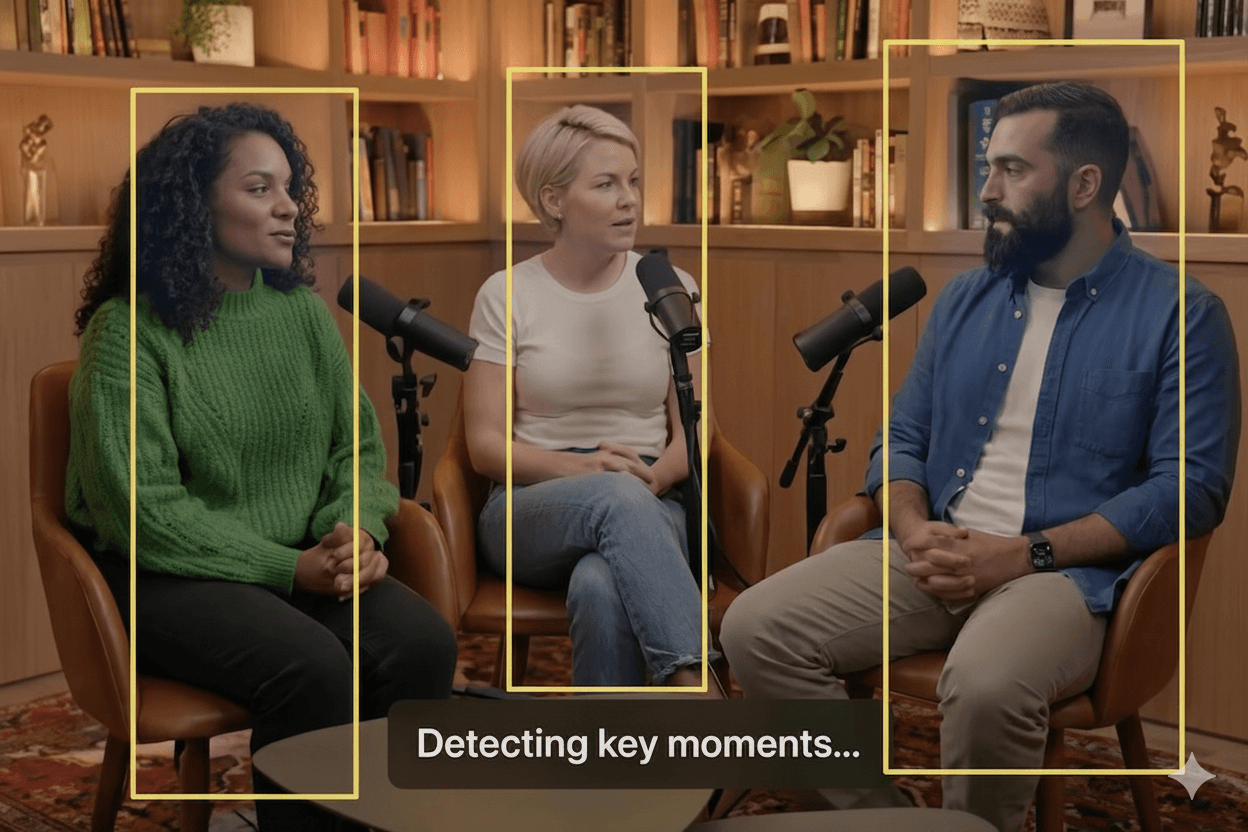
Upload and analyze highlight
Upload your long-form video or paste a link. Our AI instantly analyzes content to find viral moments using AI highlight detection
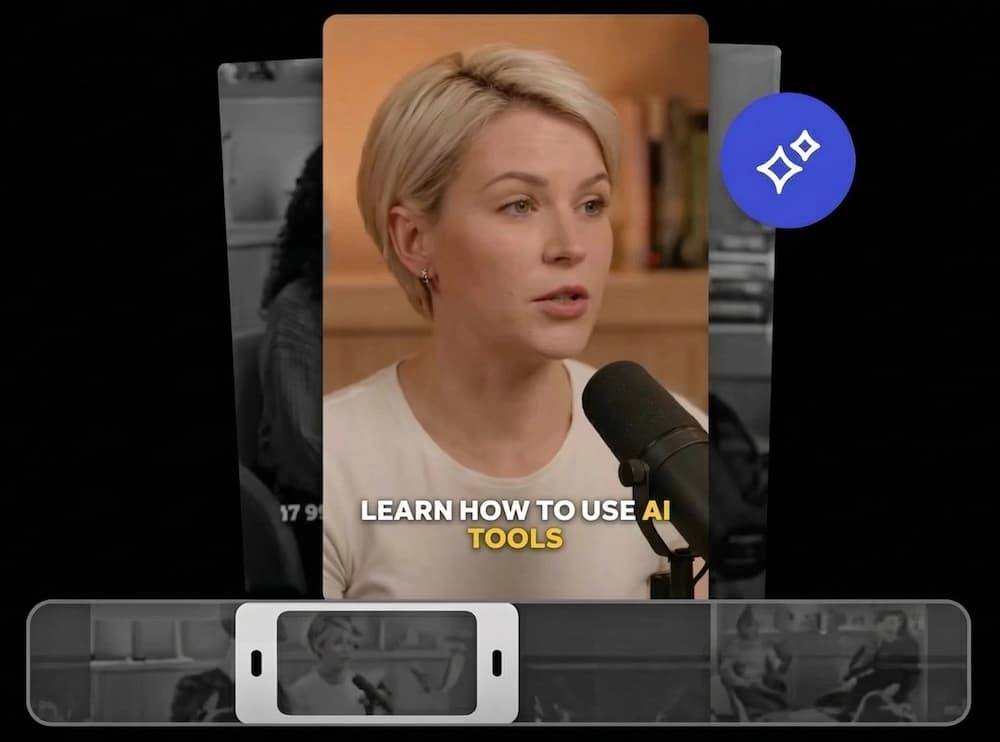
Get clips with auto caption
Receive perfectly trimmed clips with accurate, animated auto-generated captions & subtitles automatically.
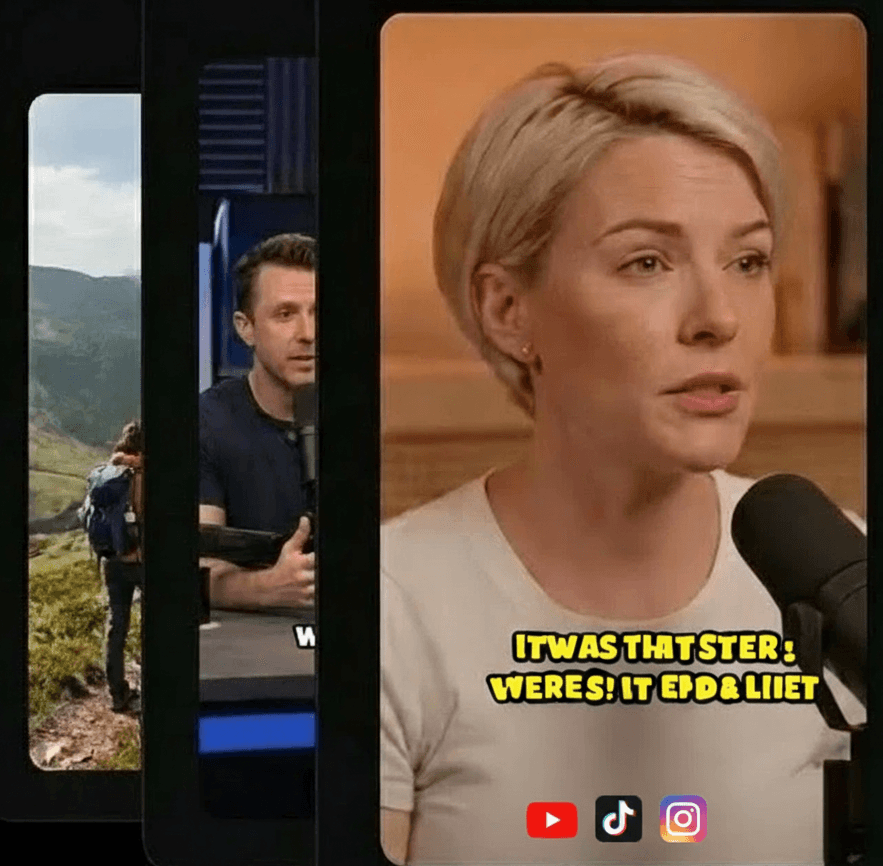
Export and auto schedule post
Customize Visuals & Branding and export high-quality clips and use social video scheduler to publish them directly to TikTok, Reels, and Shorts.
Why You Need to Add Subtitles to Video Automatically AI Style
The silent scroll is the biggest hurdle for video creators. If your message is locked behind an "audio-on" requirement, you're missing out on 80% of your potential engagement.
Mute-Proof Content
Capture users scrolling in public spaces, offices, or transit. Subtitles make your content accessible anywhere.
Higher Watch Time
Videos with subtitles have 12-15% longer average watch times. Text keeps the viewer's eye engaged on the screen.
Our Automatic Caption Generator for Videos
Professional subtitles without the manual typing, perfectly synced to every word.
1. Auto-Transcribe
AI converts speech to text with frame-accurate timing.
2. Visual Style
Choose from dozens of preset dynamic caption styles.
3. Burn-to-Video
Download your video with perfectly synced subtitles.
Engagement-Driven Styles
Bold & Vibrant
Bright colors and heavy outlines that pop on any background.
Dynamic Highlight
Word-by-word highlighting follows the speaker's rhythm.
Clean & Modern
Minimalist subtitles for professional webinars and course clips.
Built for Scaling Content
Speed to Post
Transcribe a 10-minute video in seconds, not hours of manual work.
Global Reach
Bridge language barriers with automated multi-language support.
SEO Advantage
Enhanced metadata and transcript-ready clips for better discovery.
Guide: Best AI Subtitles for Social Media Clips
In the world of fast-paced social feeds, context is king. If you want to auto subtitle video clips that actually hold attention, you need more than just plain text. You need dynamic, high-contrast captions that move with the speaker.
Our automatic caption generator for videos uses advanced speech-to-text models that understand context, slang, and technical terms. This means less time spent correcting typos and more time spent creating. Most importantly, it allows you to add subtitles to video automatically ai style, burning them directly into the frame for maximum compatibility.
Boosting Accessibility and Global Reach
Accessibility isn't just a buzzword; it's a growth strategy. By providing captions, you're making your content inclusive for the hearing-impaired community and those watching in non-native languages.
When you use best ai subtitles for social media clips, you're ensuring that your punchlines land, your data is clear, and your call-to-action is impossible to miss—even if the volume is muted.
Everything you need to go viral.
Crabcut provides a comprehensive suite of AI-powered tools to transform your content strategy. Try the quality of our AI-powered tools for free.
Auto Clip Generator
Extract the best moments automatically. Our AI video clipper detects viral hooks to maximize audience retention.
AI Captions Generator
Styled, accurate, and customizable. Generate auto-captions in 99+ languages to skyrocket your video reach.
Auto Reframe
Optimized for TikTok, YouTube Shorts, Instagram Reels. Intelligent face tracking keeps subjects centered in 9:16 format.
Social Media Scheduler
Plan and publish at peak times. Streamline your social media workflow with effortless cross-platform auto-posting.
Custom Branding
Add logos, background music, and styles. Build a cohesive brand identity with custom watermarks and saved templates.
AI B-roll videos
Upload your file or add from stock media library. Enrich visual storytelling with smart B-roll matching and dynamic transitions.
Frequently Asked Questions
Make Your Videos Searchable
Don't lose 80% of your audience to silent scrolling. Add subtitles today.
Get Subtitles Now