Turn Long Videos into Viral Clips.
Find real highlights automatically — not random cuts.

How it works
AI clipping tool that finds the best moments, reframes, adds captions and turn them into ready-to-share viral clips in few minutes.
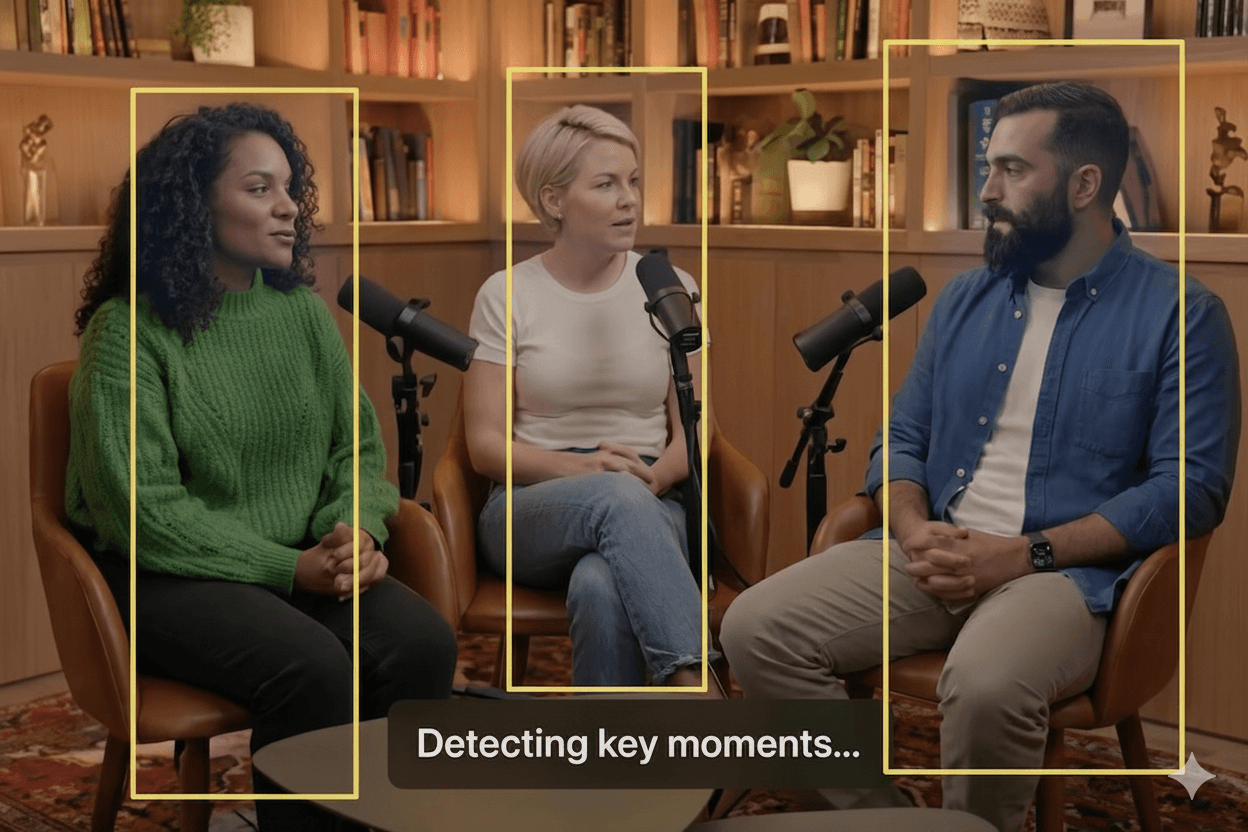
Upload and analyze highlight
Upload your long-form video or paste a link. Our AI instantly analyzes content to find viral moments using AI highlight detection
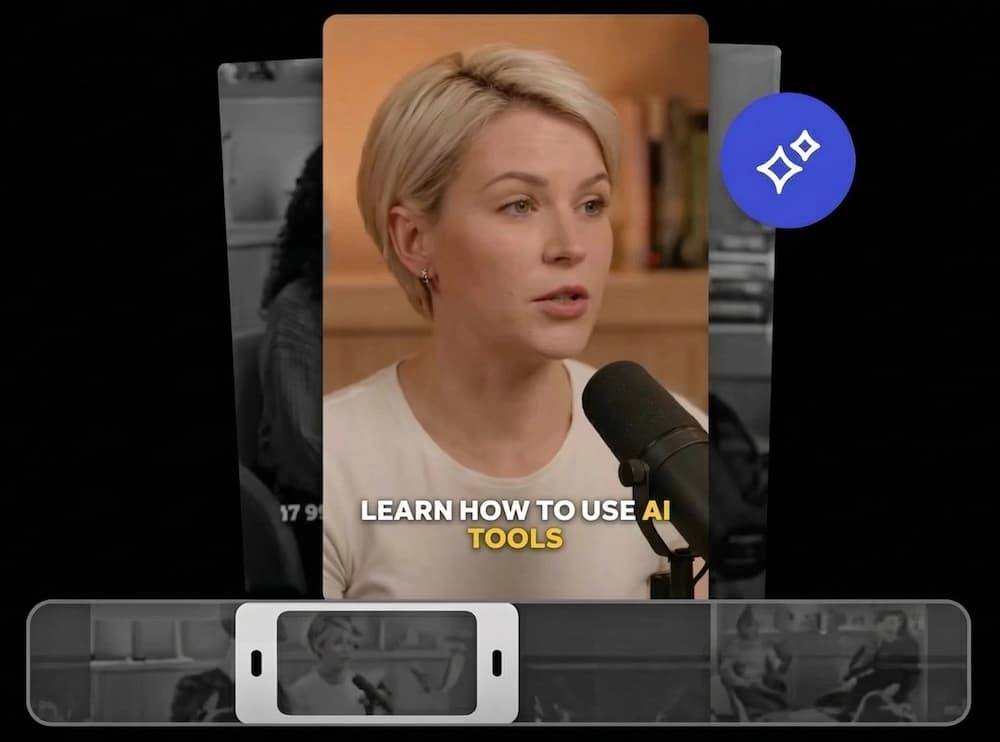
Get clips with auto caption
Receive perfectly trimmed clips with accurate, animated auto-generated captions & subtitles automatically.
Export and auto schedule post
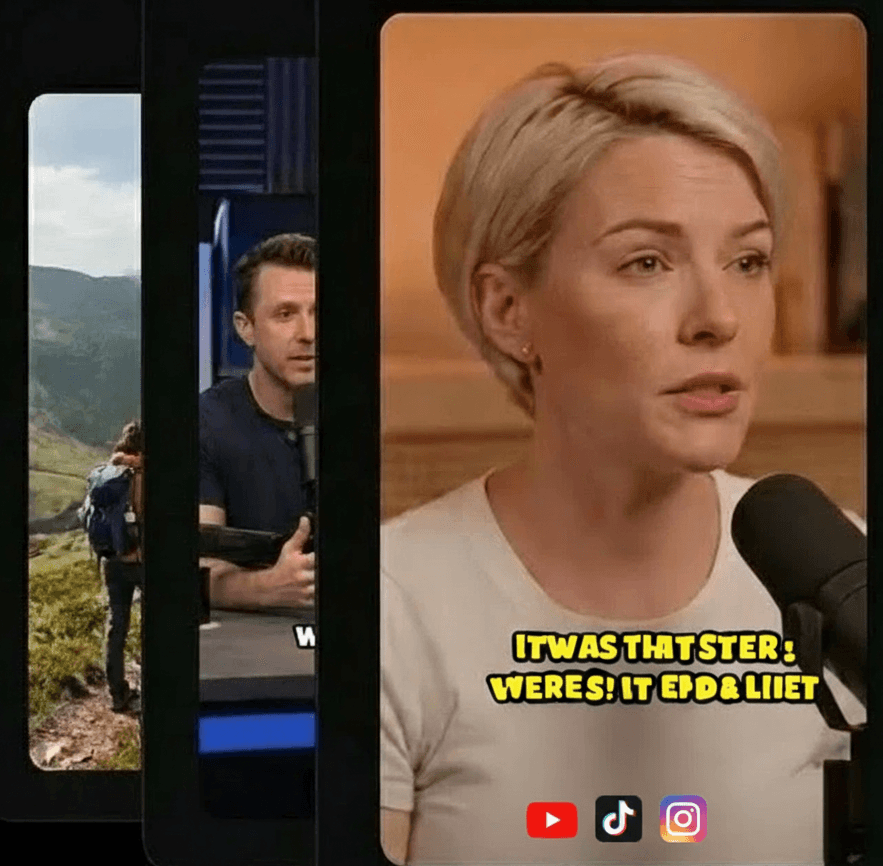
Customize Visuals & Branding and export high-quality clips and use social video scheduler to publish them directly to TikTok, Reels, and Shorts.
Everything you need to go viral.
Crabcut provides a comprehensive suite of AI-powered tools to transform your content strategy. Try the quality of our AI-powered tools for free.
Auto Clip Generator
Extract the best moments automatically. Our AI video clipper detects viral hooks to maximize audience retention.
AI Captions Generator
Styled, accurate, and customizable. Generate auto-captions in 99+ languages to skyrocket your video reach.
Auto Reframe
Optimized for TikTok, YouTube Shorts, Instagram Reels. Intelligent face tracking keeps subjects centered in 9:16 format.
Social Media Scheduler
Plan and publish at peak times. Streamline your social media workflow with effortless cross-platform auto-posting.
Custom Branding
Add logos, background music, and styles. Build a cohesive brand identity with custom watermarks and saved templates.
AI B-roll videos
Upload your file or add from stock media library. Enrich visual storytelling with smart B-roll matching and dynamic transitions.
Polish your clips to perfection
Editing is optional but our intuitive editor gives you full control over your clips to change subtitles styles, add B-roll videos, background music, your logo and branding in seconds.
"Crabcut's real-time previews cut our production time in half and made creating social content actually enjoyable."
"Thank you for this website because of you I've grown my channel to 10k followers in just 2 months."

"This tool makes my life so easy. I manage 3 channels and the automated clipping saves me at least 10 hours a week."

"I'm finally making money from my clips. The viral hooks actually work and my engagement has doubled."

Frequently Asked Questions
Create AI-Powered Shorts with Captions & Scheduling
Upload long videos and let AI generate viral Shorts with auto-captions, smart reframing, B-roll, music, and branding.